GuidePDF
JPG to PDF vs Photo to PDF: which Mewix tool?
Choose between JPG-to-PDF conversion and the Photo to PDF workflow—when each fits forms, scans, and multi-image documents.
August 30, 2026 · 1 min read
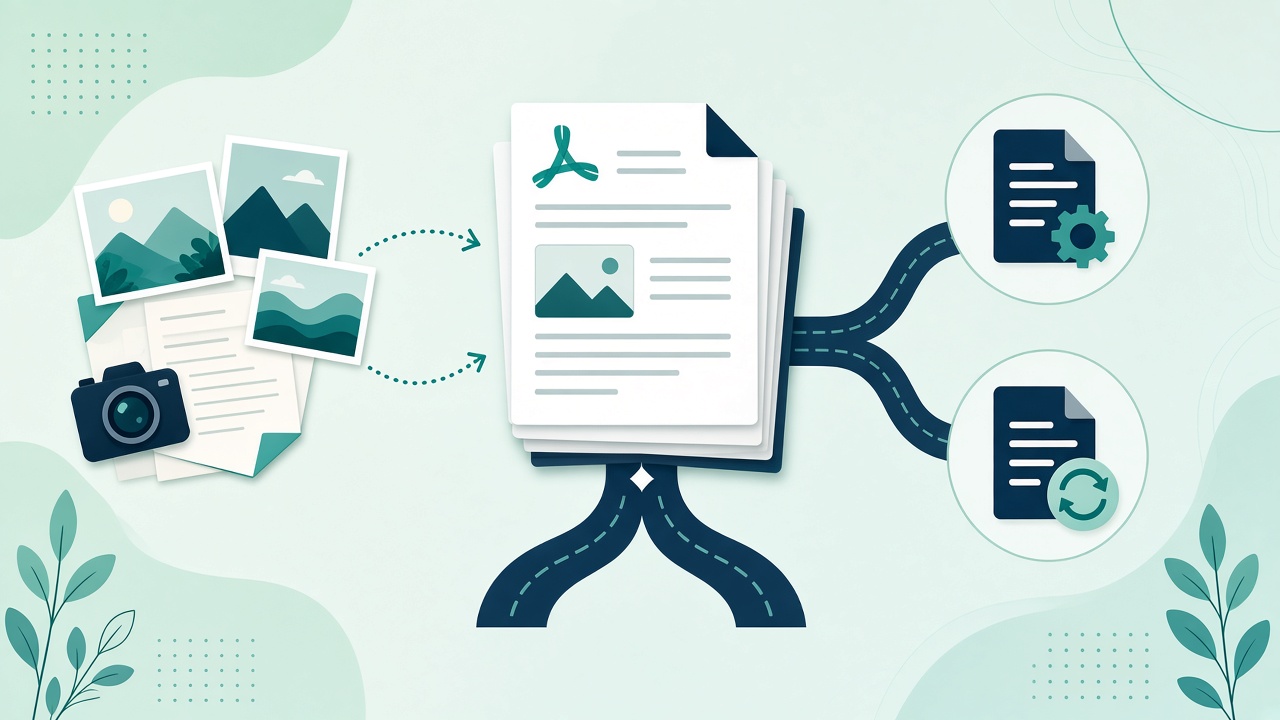
Mewix offers both JPG to PDF and Photo to PDF. They overlap on purpose; the right pick depends on how you think about the job.
Side-by-side
| JPG to PDF | Photo to PDF | |
|---|---|---|
| Mindset | Format conversion pair | “I have camera photos → one PDF” |
| Typical input | .jpg / .jpeg files | Photos from phone or camera roll |
| Output | PDF document | PDF document |
| Best when | You already have JPGs on disk | You are assembling scans/photos quickly |
Both run in the browser without uploading.
Choose JPG to PDF when…
- A form says “upload PDF” and you only have JPG receipts
- You are converting a known file type as part of a convert-pair habit
- You want the dedicated convert jpg to pdf path from the PDF convert family
Choose Photo to PDF when…
- You are bundling several phone photos into one attachment
- The mental model is “photos → document,” not “codec → codec”
- You want the guided photo to PDF flow
Related tools
- Multi-page merges: Merge PDF
- Size limits: Compress PDF
- ID cards: ID card to PDF
CTA: Start with JPG to PDF or Photo to PDF—either keeps files local.