GuideMockups
How to make a free Android 3D device mockup in your browser
Step-by-step: drop an app screenshot onto a 3D Pixel or Galaxy Book model, adjust lighting, and export an HQ PNG—no install.
October 2, 2026 · 1 min read
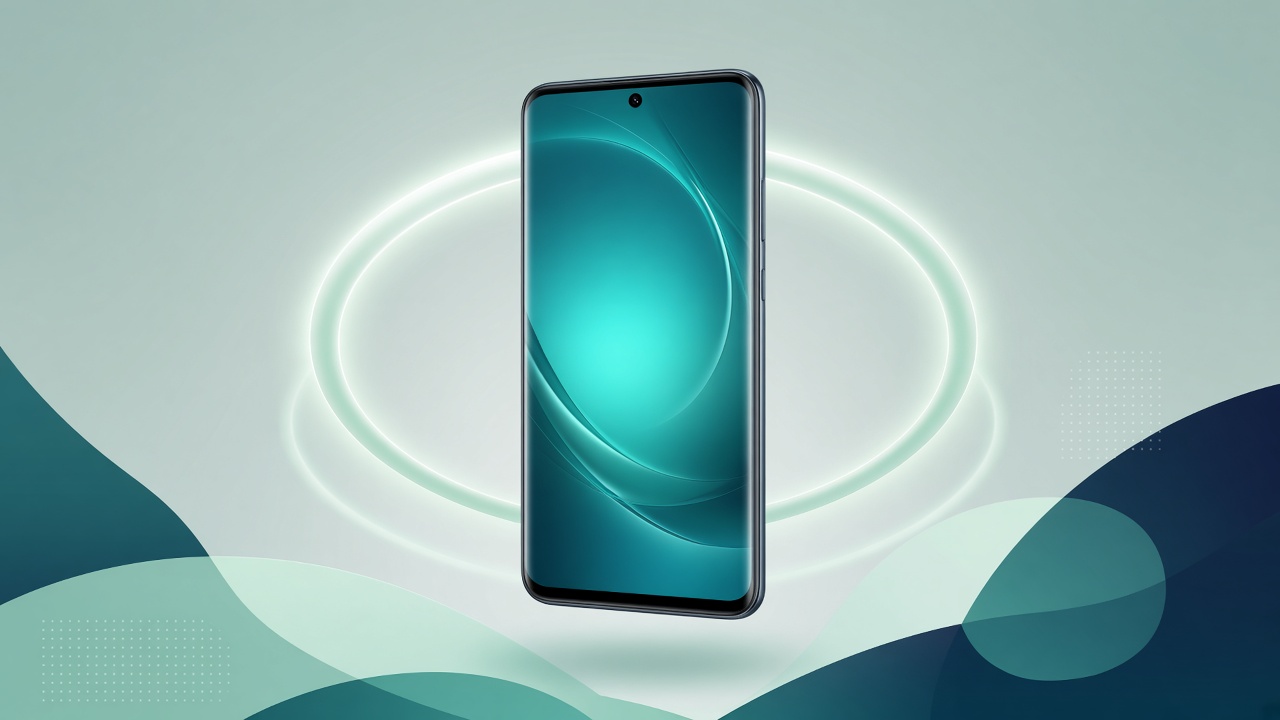
You can create a free 3D mockup of an Android phone or laptop without Photoshop, without a Mac app, and without uploading your screenshot. Here is the short path in Mewix.
What you need
- A screenshot of your app or website (PNG or JPG)
- A modern browser (Chrome, Edge, Firefox, or Safari)
- About two minutes
Steps
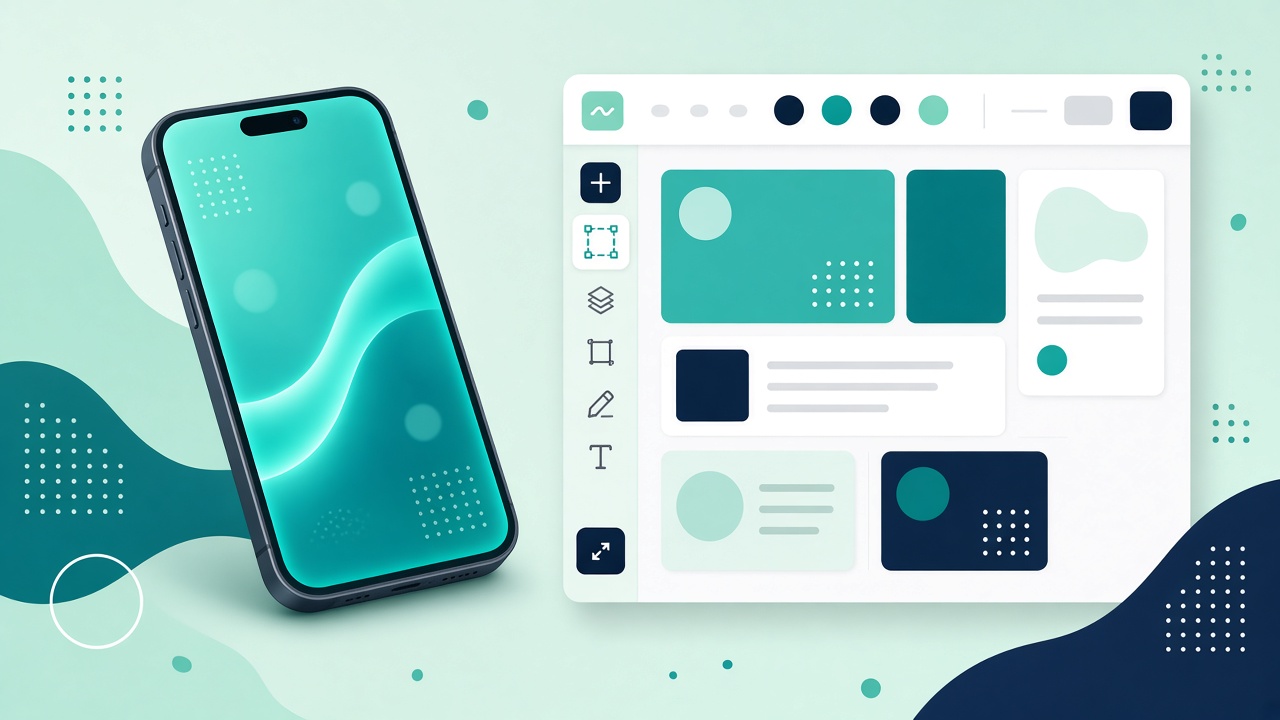
- Open the mockups overview or go straight to the 3D mockup editor.
- Choose a device—Google Pixel 9 Pro XL for phone UI or Samsung Galaxy Book 2 for laptop UI.
- Drop your screenshot onto the screen region (or use the file picker).
- Orbit the camera and nudge lighting until the shot feels like a product photo, not a flat frame.
- Export a high-quality PNG. Processing stays in your browser.
That is a complete Android mockup online workflow: no account required for the core free path, and no server round-trip for rendering.
Tips for sharper results
- Use a high-resolution screenshot so the UI stays crisp under slight perspective.
- Soft side lighting often looks more premium than harsh frontal light.
- Leave a little negative space around the device if the PNG will sit on a colorful landing background.
- For Play Store listing images where every pixel must read clearly, prefer a flat frame; use 3D for marketing heroes.
What this tool is not
Mewix exports still PNGs, not mockup videos. The catalog is Android-oriented—not a full Apple device museum. There is no AI upscaler inside the editor; start with a sharp source image.
Next
Ready when you are: open the free 3D mockup editor.