Mewix 3D mockup vs Canva phone mockups
When Canva phone mockup templates are enough—and when a real WebGL 3D device shot from Mewix is the better choice for app screenshots.
September 29, 2026 · 2 min read
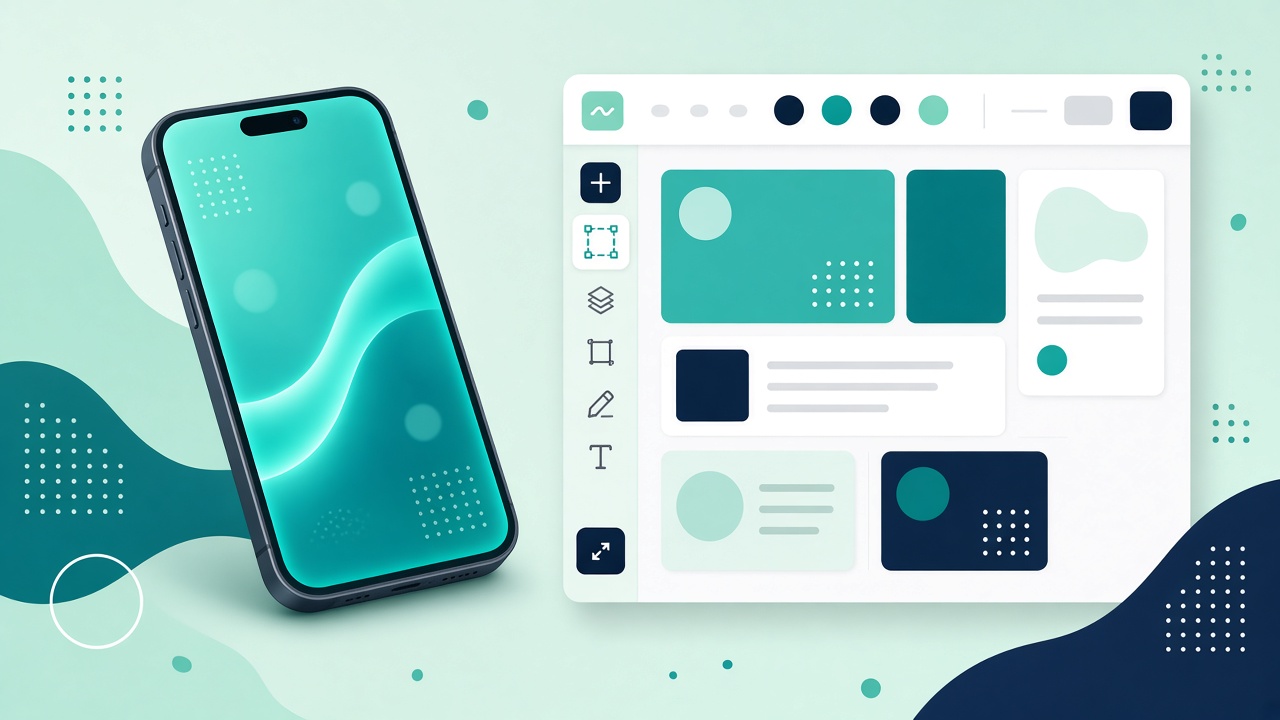
Canva and Mewix both help you put a screenshot inside a phone. They are not the same kind of phone mockup generator. Canva is a full design suite with flat or lightly dimensional templates. Mewix is a dedicated 3D phone mockup editor with WebGL lighting and camera control.
Criteria table
| Criteria | Mewix | Canva |
|---|---|---|
| What it is | Browser 3D device editor | Full design suite + templates |
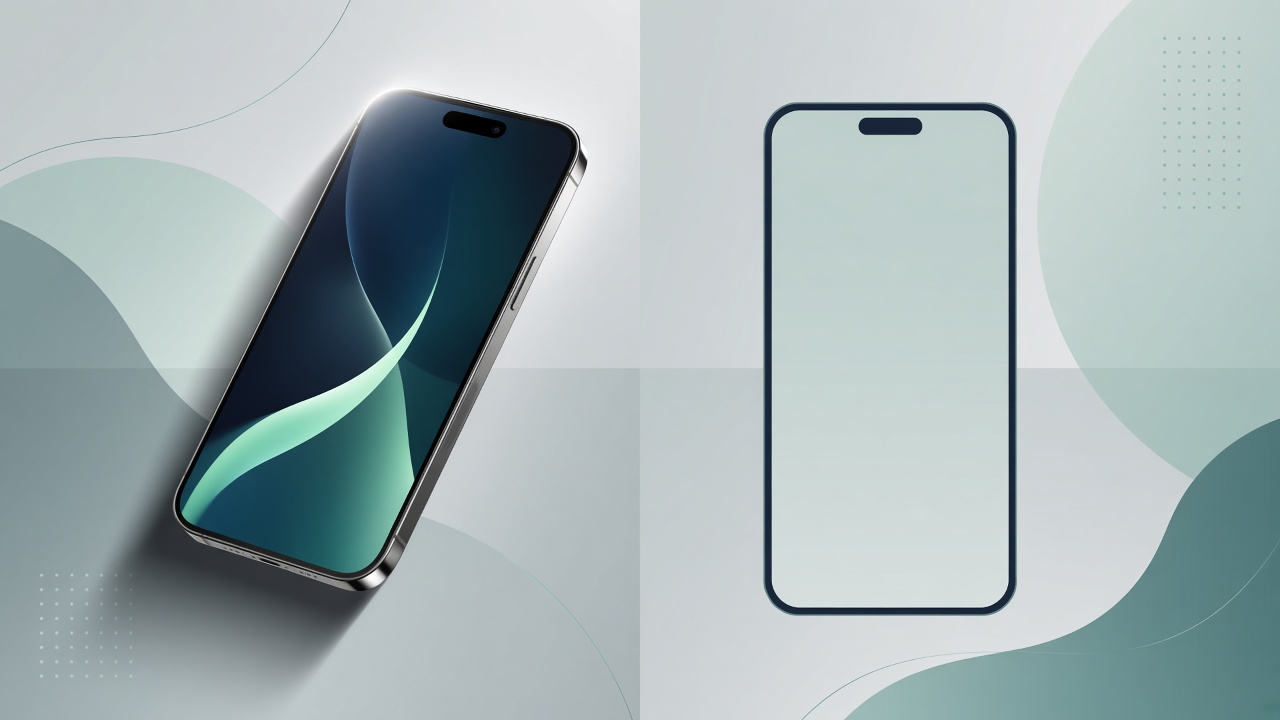
| Look | Real device lighting, angle, depth | Template frames; design-board polish |
| Install | None (browser) | Browser / apps |
| Privacy | Screenshot processed locally | Design files live in Canva’s product |
| Best for | Product-shot app screenshots | Social posts, decks, brand kits |
| Free phone mockup online | Free HQ PNG in editor | Free templates with Canva free limits |
When Canva is enough
Use Canva when the deliverable is a designed page, not a product photo:
- Instagram carousels, pitch decks, and blog headers
- You already work in Canva and need text, brand kit, and mockup in one file
- A flat or simple phone frame is fine for clarity
Canva wins as a design workspace. The phone frame is one element among many.
When a 3D product shot matters
Use Mewix mockups when the screenshot is the product:
- App Store / Play Store creative that should look like a lit device
- Landing-page heroes where depth and reflection sell the UI
- You want a free phone mockup online without building a whole Canva design
The mockup editor drops your screenshot onto a real 3D model, lets you tweak light and camera, and exports PNG. That is closer to a studio still than a template slot.
Fair trade-offs
Canva has typography, brand kits, collaboration, and millions of assets. Mewix does not try to replace that suite. Mewix does not export mockup video, and the device list is Android-oriented (Pixel phone and Galaxy Book laptop). If you need iPhone-heavy Canva templates plus copy layout, stay in Canva—or export a Mewix PNG and place it into Canva as an image.
Bottom line
Canva = template + full design suite. Mewix = real WebGL device lighting and angle for app screenshots. Many teams use both: generate the 3D still in Mewix, then compose marketing text in Canva.