3D phone mockup vs flat PNG frames (and screenshot frame sites)
Flat Android mockup frames for store clarity versus 3D device mockups for landing pages and social—plus how Mewix differs from drag-into-frame sites.
September 18, 2026 · 2 min read
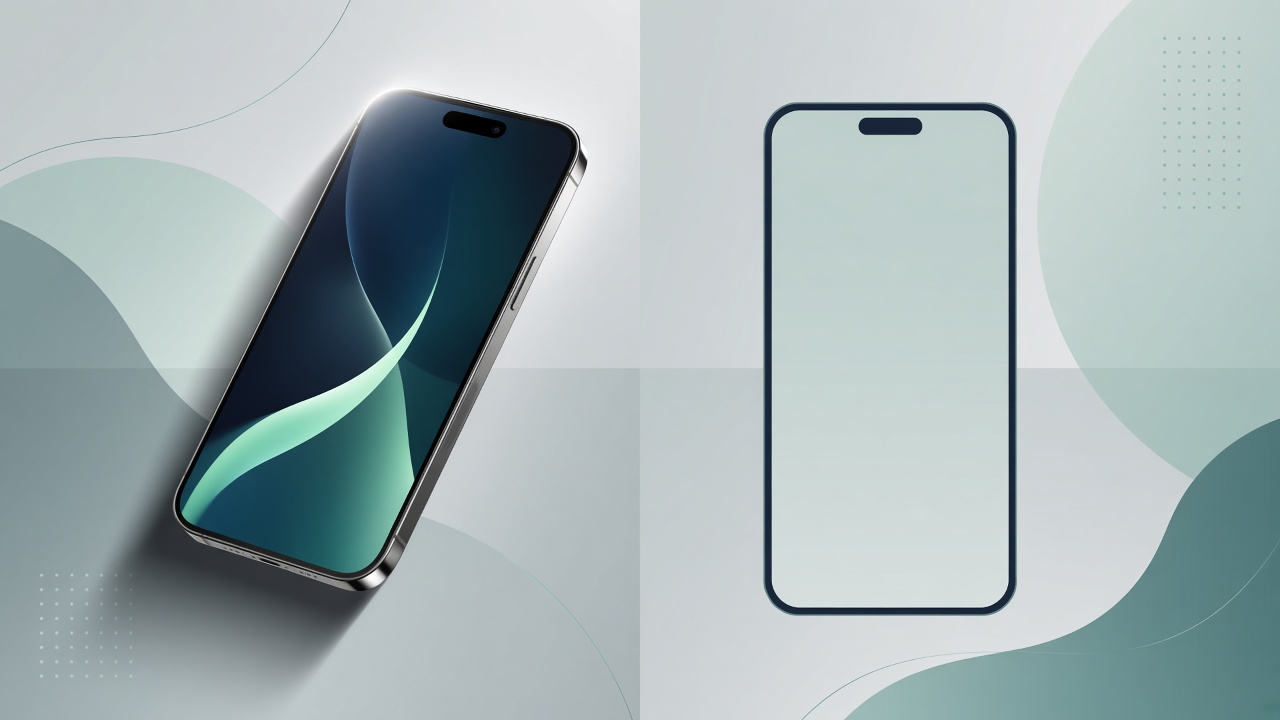
“Put my screenshot in a phone” usually means one of two things: a flat PNG frame or a 3D phone mockup. Both are valid. Choosing wrong wastes time and looks off-brand.
Criteria table
| Criteria | Flat PNG / frame sites | Mewix 3D mockups |
|---|---|---|
| Look | Orthographic phone bezel | Lit 3D device with camera angle |
| Clarity of UI | Highest—pixels stay readable | Slight perspective; still sharp PNG |
| Drama / marketing | Low | High—product-shot feel |
| Workflow | Drag screenshot into fixed frame | Adjust light, angle, then export |
| Privacy | Varies (many upload) | Local browser processing |
| Best for | Play Store / docs screenshots | Landing pages, social, launch posts |
Flat frames: when they win
Store listings and help docs need readable UI. Google Play and documentation readers should see every pixel of your screen. Flat Android mockup frames (and classic “screenshot frame” generators) keep the device axis-aligned. Use them when clarity beats atmosphere.
Generic frame sites are fast: upload or paste, download a framed PNG. The downside is sameness—everyone’s Pixel/iPhone frame looks identical—and many tools upload your screenshot to a server.
3D mockups: when they win
Landing pages, Twitter/X launch posts, and portfolio heroes benefit from depth. A tilted device with soft studio light sells the product as hardware, not a cropped rectangle. That is the job of a device mockup with real lighting.
Mewix sits in that camp: WebGL models, camera control, and HQ PNG export in the editor. It is built as a free Android mockup path (Pixel phone and Galaxy Book laptop), not a giant library of every lifestyle scene.
Vs “drag screenshot into frame” sites
| Typical frame site | Mewix | |
|---|---|---|
| Dimension | Usually 2D | 3D |
| Controls | Scale/fit only | Light + camera |
| Devices | Huge static catalogs | Focused Android set |
| Upload | Often required | Not for processing |
If you only need a bezel for a help article, a flat frame is enough. If you want a 3D phone mockup that looks like a product photo, use the 3D editor.
Bottom line
Flat frames for Play Store clarity and docs. 3D for landing and social. Mewix is the 3D / private / free-browser option—not a replacement for every flat-frame catalog.