
What you can build
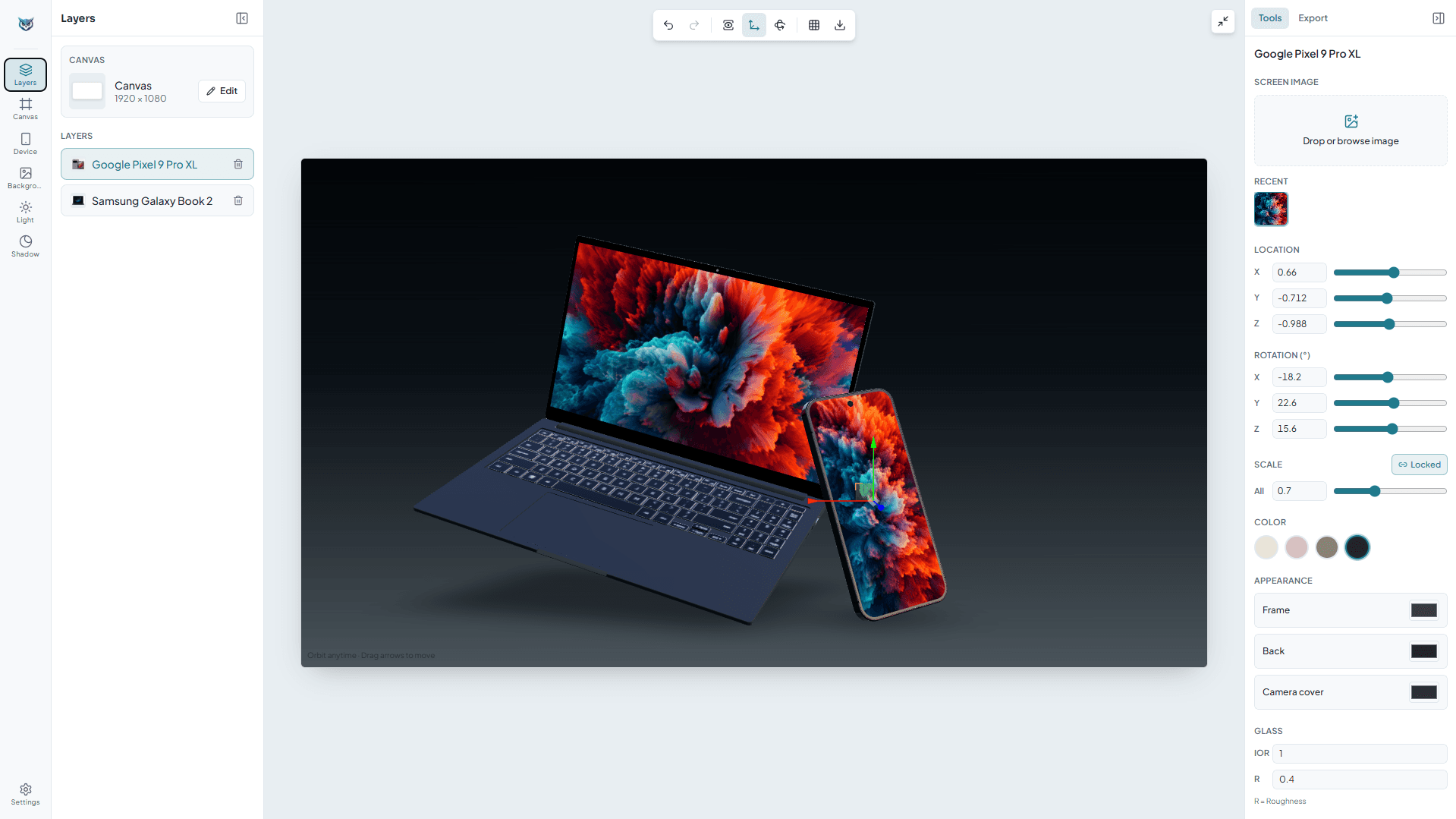
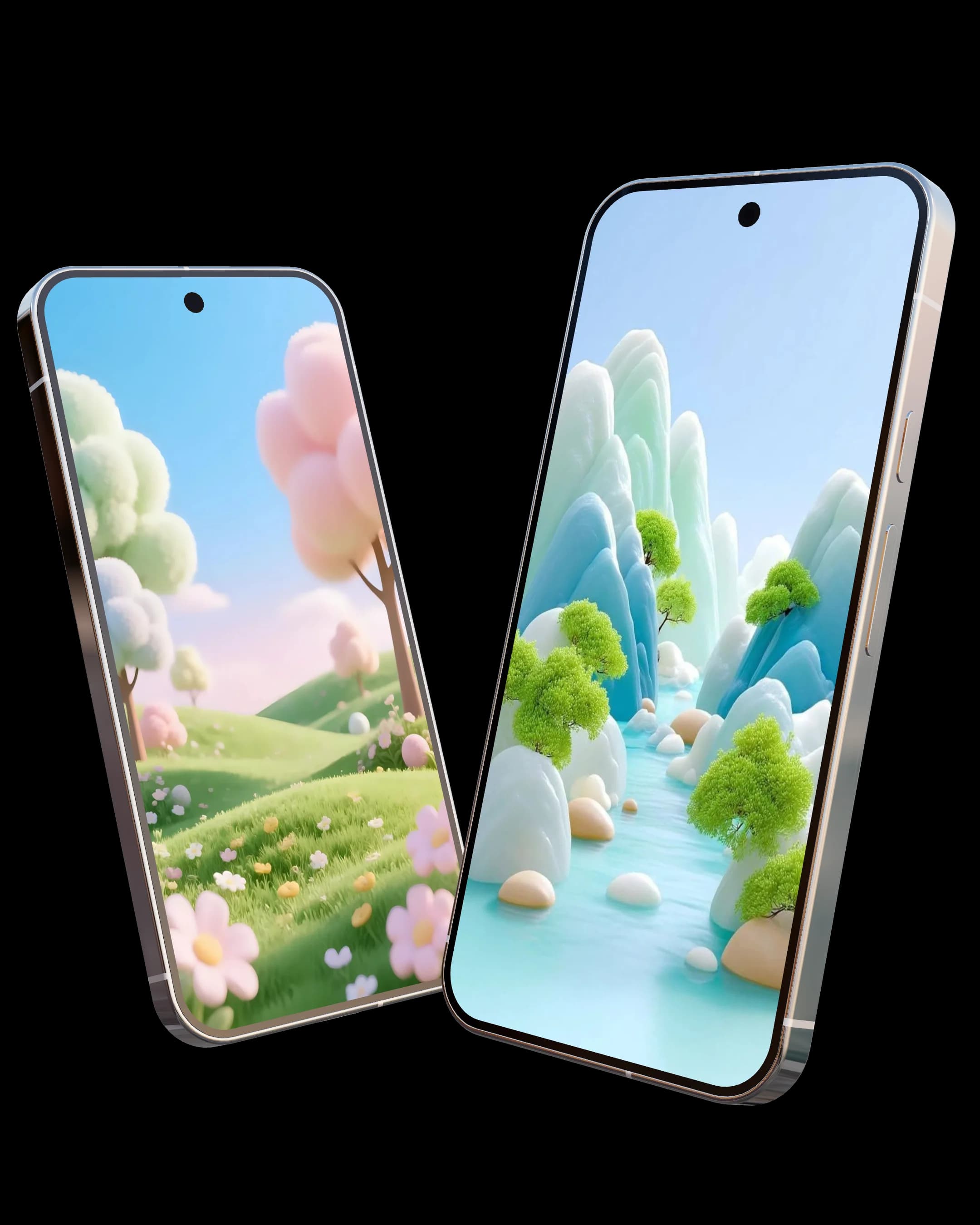
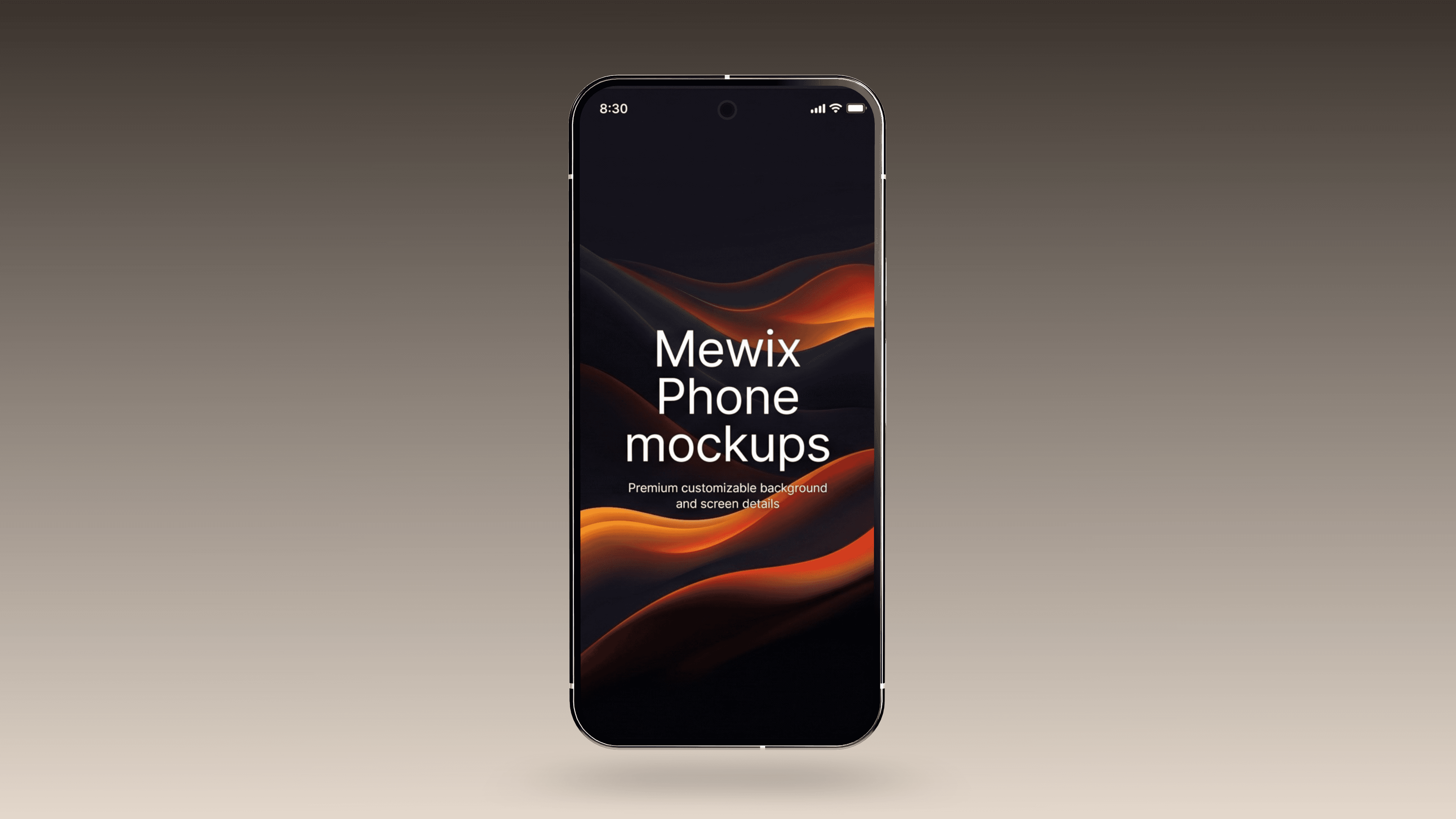
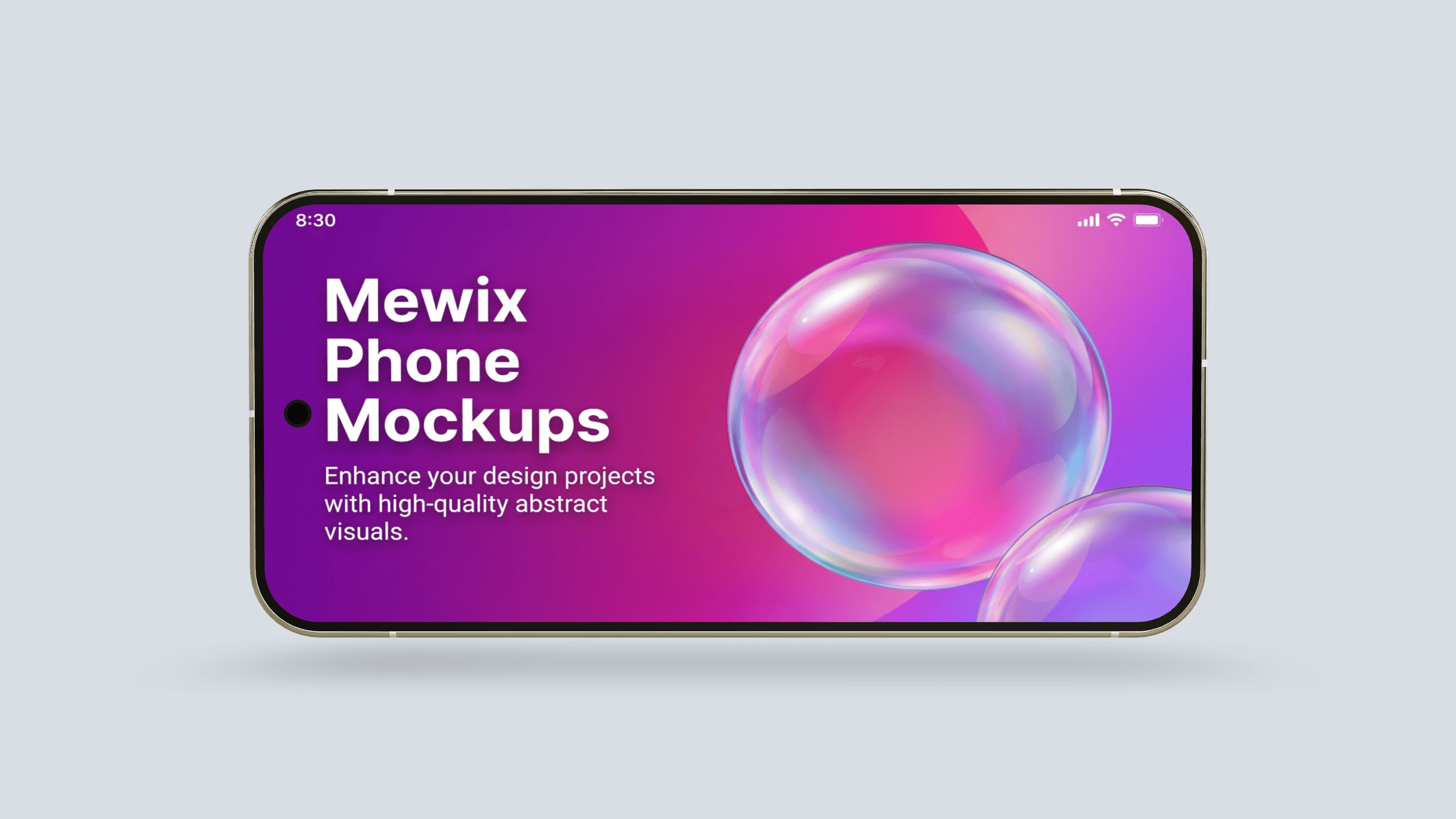
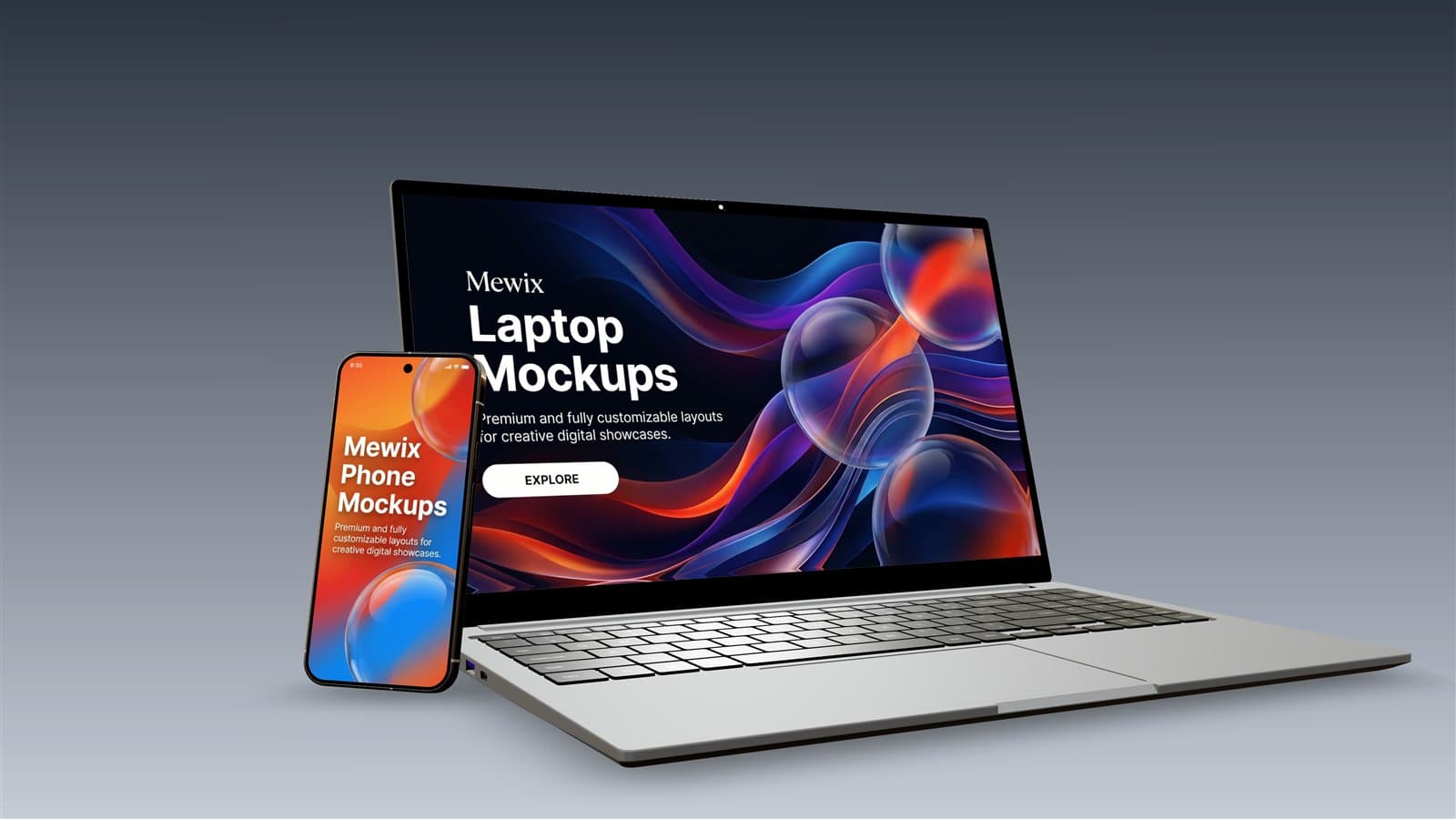
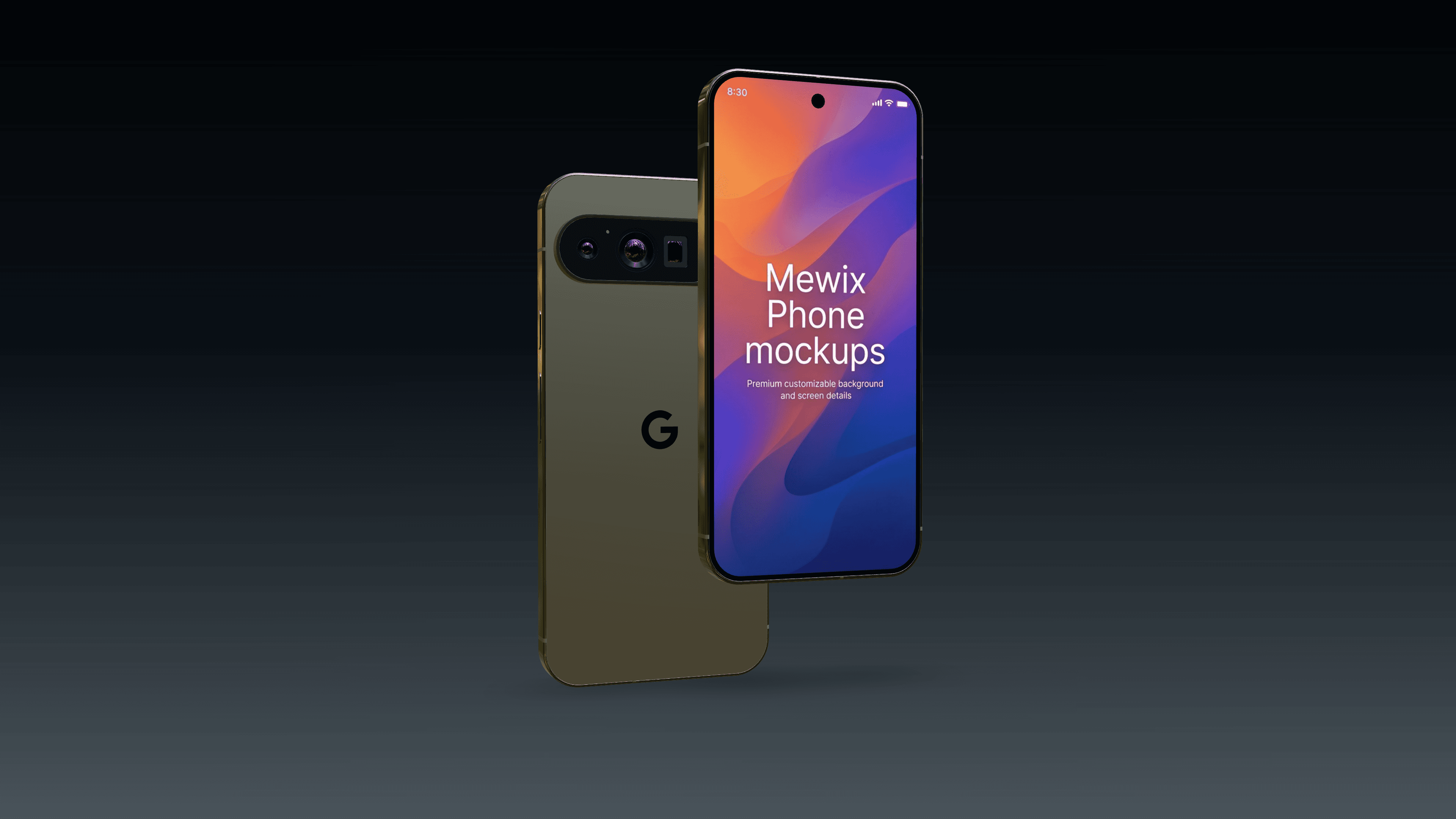
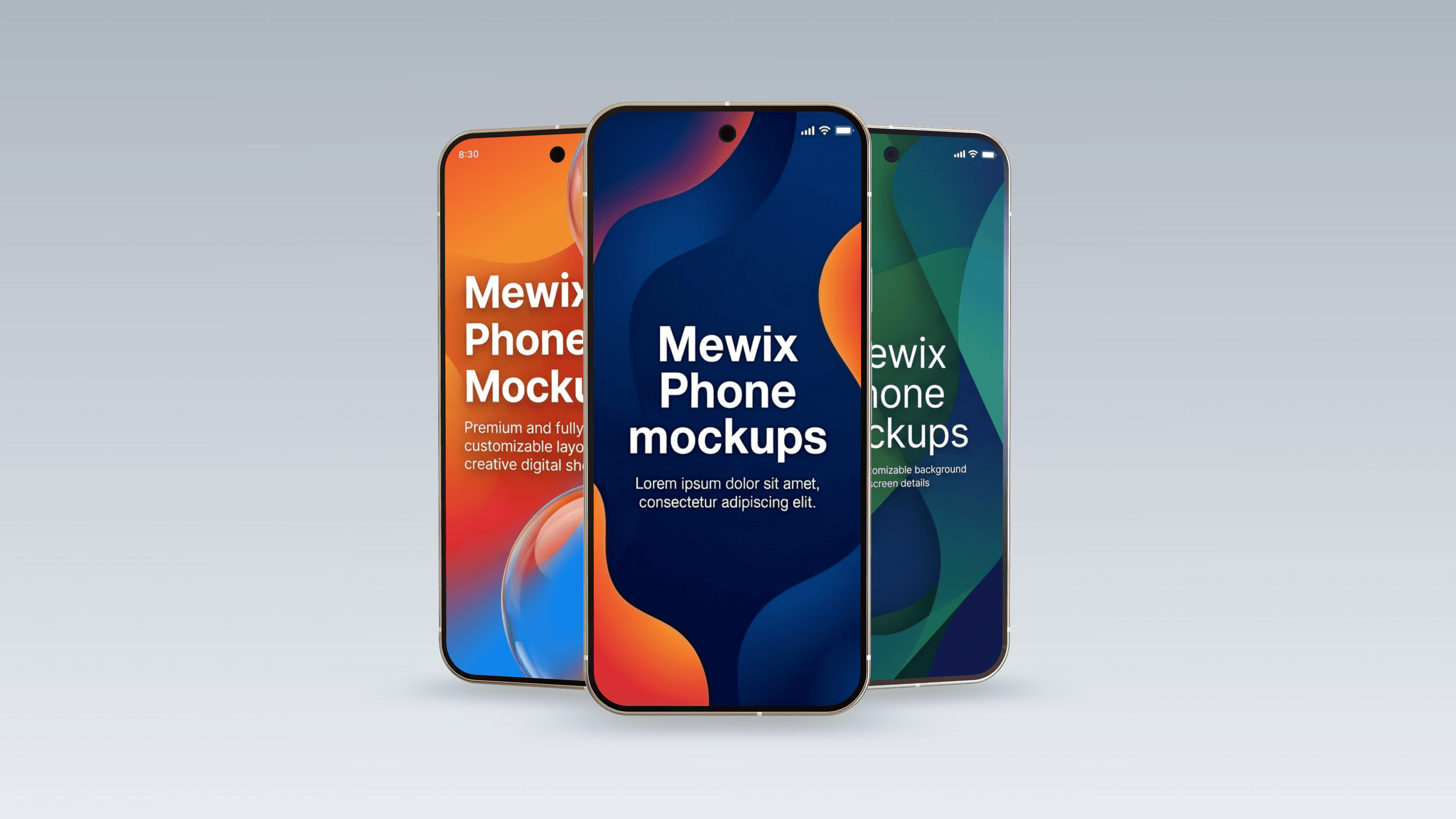
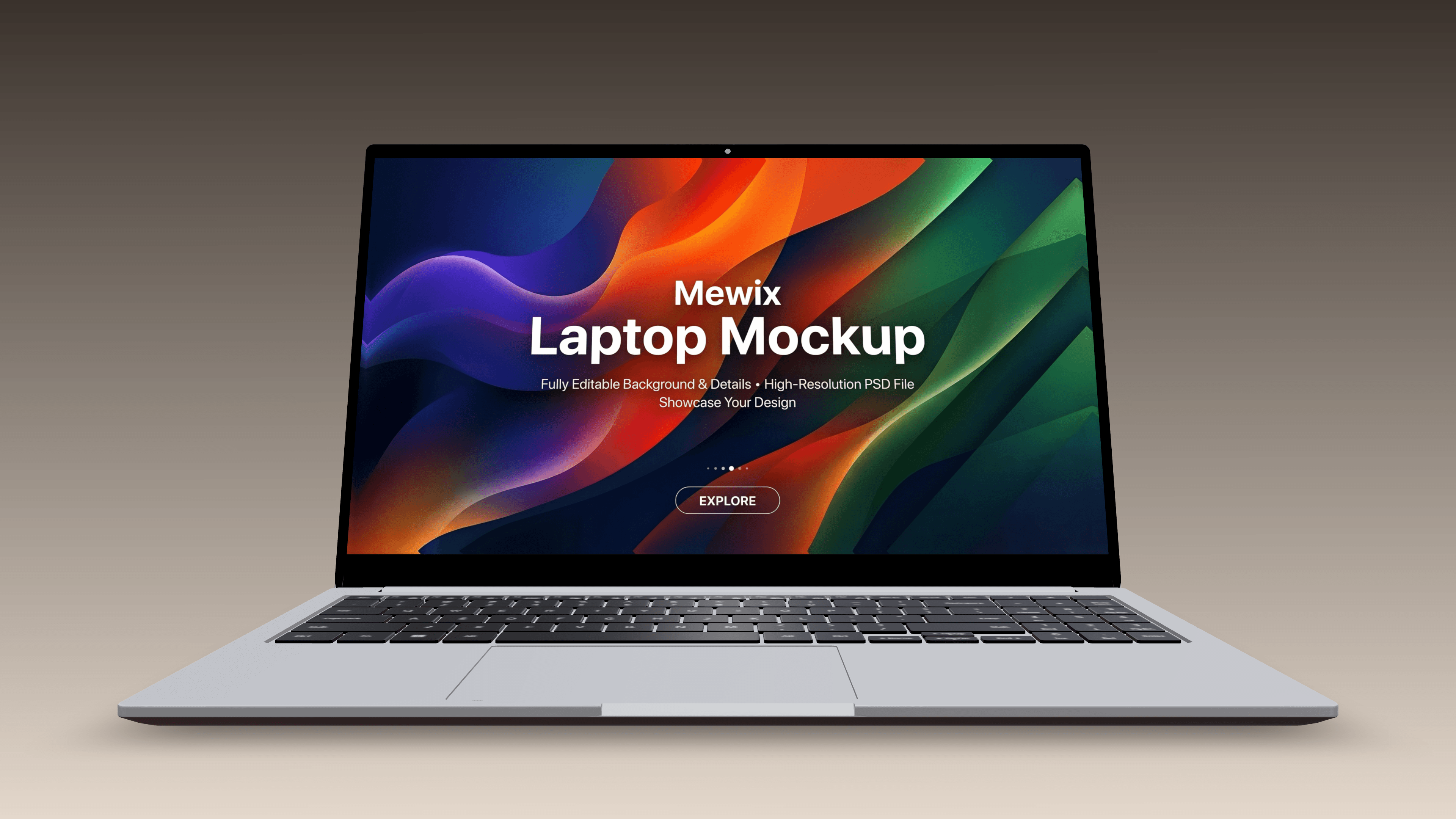
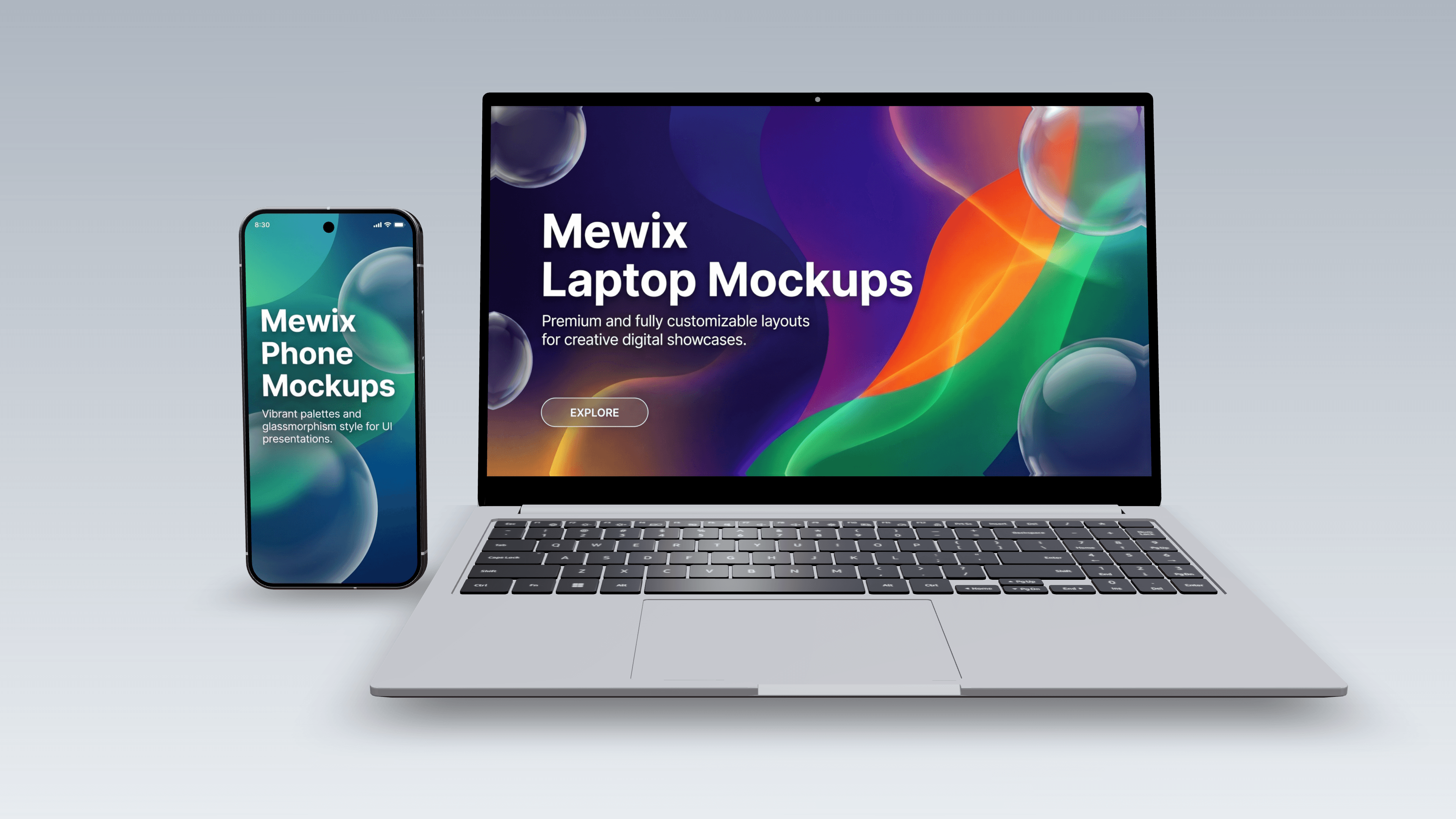
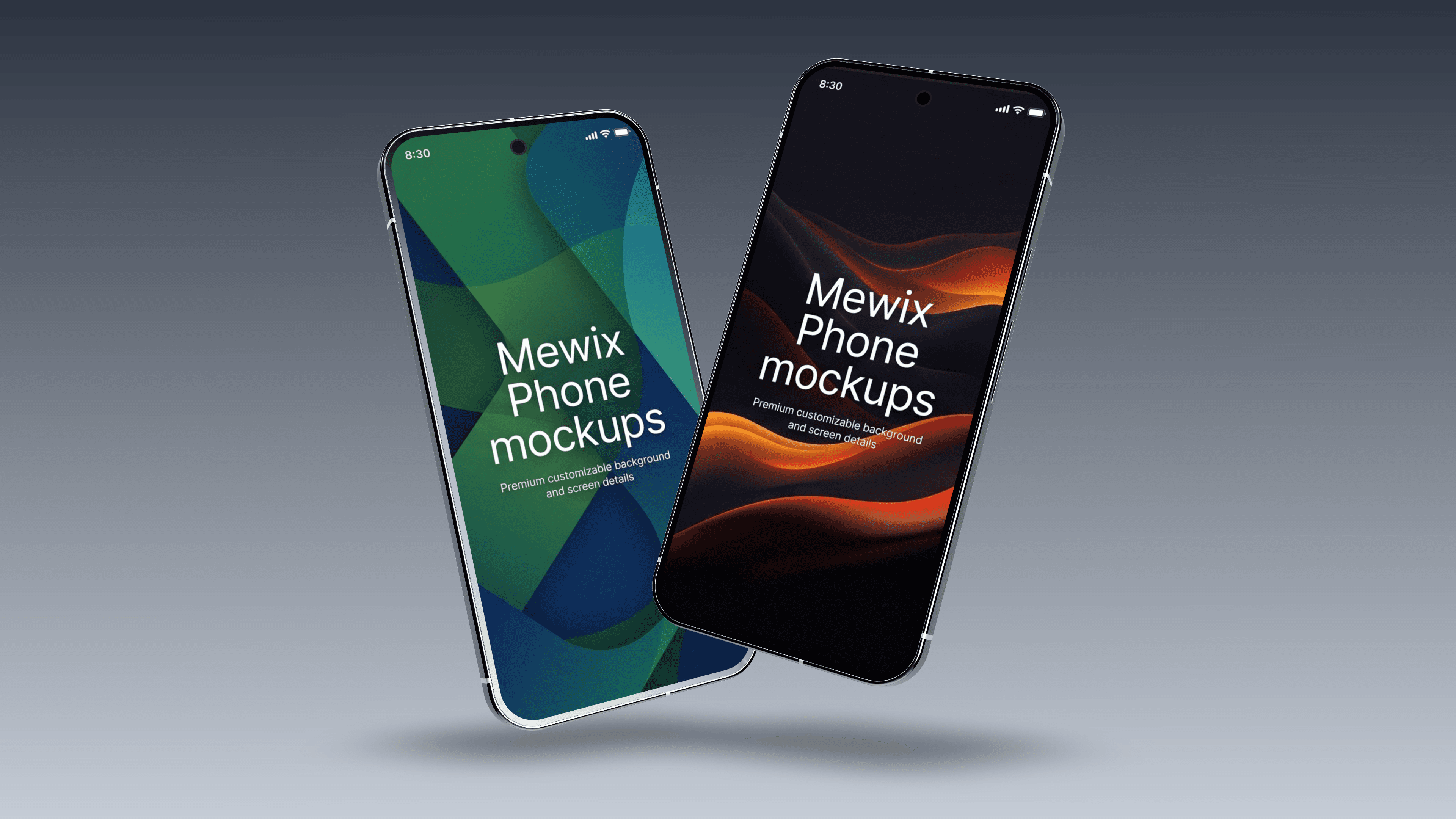
The editor places real 3D models, not flat frames, on a canvas. Two devices are available today, and you can add several to one scene, such as a phone in front of a laptop:
- Google Pixel 9 Pro XL in Porcelain, Rose Quartz, Hazel or Obsidian.
- Samsung Galaxy Book 2 laptop in Silver or Graphite.
Because the devices are 3D, you can orbit the camera and rotate each one, and the screen catches light and reflections the way a product photo would. Lighting comes from an HDRI environment; you can load your own .hdr file if you have one.
Getting your screenshot to fit
Your image fills the device screen edge to edge. If its shape differs from the screen's, the middle is kept and the edges are trimmed, so a wide desktop capture on the phone loses its sides. For the phone, use a full-height screenshot from a modern Android phone or iPhone; for the laptop, a normal widescreen capture of a browser or app window. Keep anything important away from the very edges. PNG, JPG, WebP and GIF screenshots all work.
Canvas sizes and export
| Canvas preset | Size at 1× |
|---|---|
| Full HD (default) | 1920 × 1080 |
| Square 1K | 1080 × 1080 |
| Portrait 4:5 | 1080 × 1350 |
| Story / Reel | 1080 × 1920 |
| Wide banner | 2560 × 1080 |
| 4K UHD | 3840 × 2160 |
HD, A4 at 300 dpi, Phone frame and Tablet are also in the list, and you can type a custom size. Export multiplies the canvas by 1, 2 or 3, up to 8192 pixels on the longest side; past that the editor drops to the largest multiple that fits. With Backdrop set to None, a PNG keeps the background transparent. JPG cannot store transparency, so it fills with white, but the file is much smaller.
Save the project, not just the picture
Save project writes a .mewix file with the devices, camera, lighting and screen images in it. Open project restores the scene exactly, so you can swap in a new screenshot and export again without rebuilding the shot. The file contains your screenshots, so share it only with people who may see them.
What happens to your screenshots
The editor runs with WebGL in your browser. It downloads the device models and lighting files from Mewix, but your screenshots are never sent anywhere: they are read, placed on the screen and exported on your own machine. That makes it safe for unreleased designs and client work under NDA.
Questions
Is there an iPhone model?
Not yet. The phone available now is the Pixel 9 Pro XL. An iPhone screenshot still fits it well because the screen shapes are close.
The editor is slow on my laptop.
3D rendering leans on the graphics chip. Close other heavy tabs, keep the canvas at Full HD while you arrange the scene, and only raise the export multiplier at the end.
Can I put a video on the screen?
No, the screen takes still images only. For a moving demo, export one frame per scene and sequence them in a video editor.
How do I add a frame-free screenshot to a slide instead?
If you only need the screenshot itself at a set size, the image resizer is quicker.