GuideQR & Barcodes
WiFi QR code guests can scan
Create a static WiFi QR code so guests join your network without typing the password—private generation in the browser.
October 4, 2026 · 1 min read
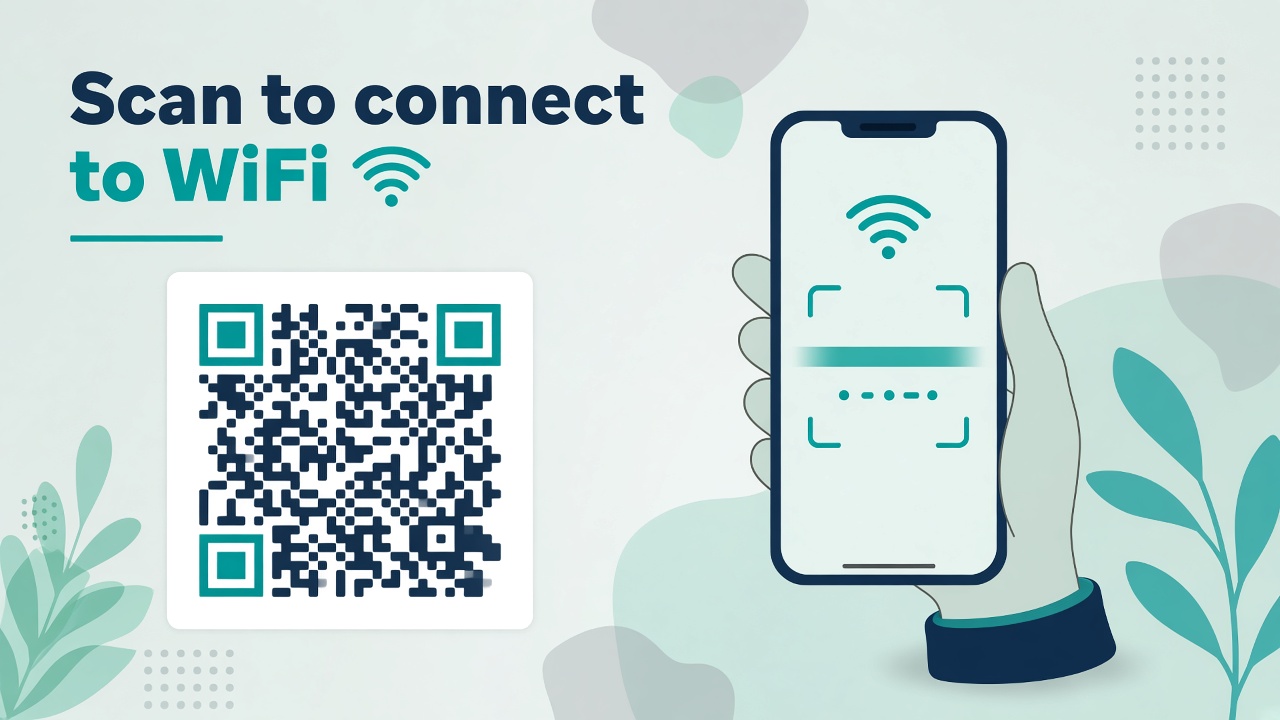
A WiFi QR code lets guests join the network by scanning—no awkward password readout. Mewix’s wifi qr code generator builds a static code in the browser so the SSID and password are not uploaded to a tracking service.
Steps
- Open WiFi QR.
- Enter SSID, password, and encryption type (usually WPA/WPA2).
- Preview the code on screen.
- Download PNG/SVG and print it for the counter, Airbnb binder, or meeting room.
Most modern phones open a “Join network” prompt when they scan a properly formatted WiFi QR.
Guest-network hygiene
- Prefer a dedicated guest SSID so visitors never touch your LAN
- Rotate the guest password periodically and reprint the QR
- Do not put the admin WiFi password on a public poster
- Laminate or frame prints in cafés so smudges do not break scanning
Static vs dynamic
Mewix does not offer dynamic QR analytics. Guests scan the payload directly. If you need scan counts for a marketing campaign, use a tracking platform—and keep true WiFi credentials on a static, private code.
More QR types live on the QR hub.
CTA: Generate a WiFi QR code.