Free Pixel 3D mockup generator (Pixel 9 Pro XL in the browser)
Make a free Google Pixel 3D mockup online—drop a screenshot onto Pixel 9 Pro XL, light it like a product shot, and export HQ PNG without installing an app.
By Mewix · October 19, 2026 · 3 min read
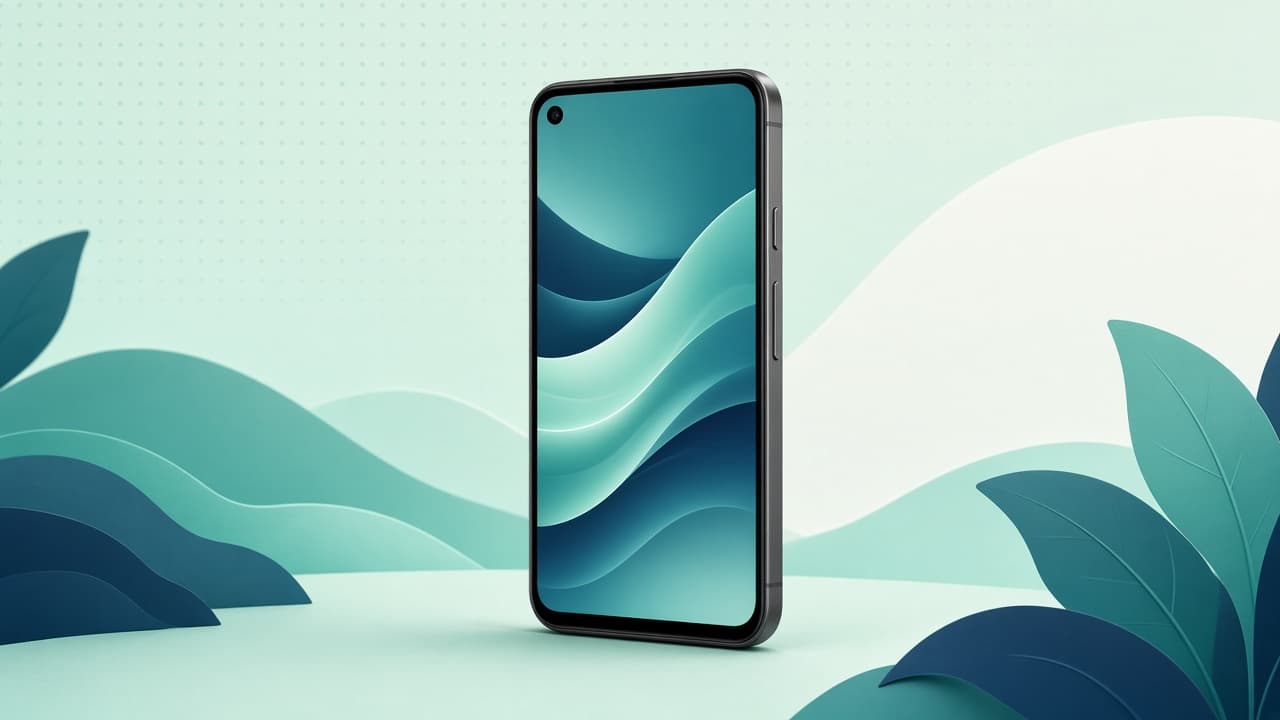
Most “phone mockup” search results lean iPhone. If your app is Android-shaped—Material UI, gesture bar, Pixel-like aspect—you want a Pixel 3D mockup, not a stretched iPhone frame. This guide covers a free Pixel 3D mockup generator path in the browser using Mewix’s Google Pixel 9 Pro XL model.
What you get
| Piece | Detail |
|---|---|
| Device | Google Pixel 9 Pro XL (Porcelain, Rose Quartz, Hazel, Obsidian finishes) |
| Also available | Samsung Galaxy Book 2 laptop for desktop UI shots |
| Controls | Orbit camera, move/rotate device, HDRI + studio lights |
| Export | HQ PNG (canvas presets and 1×–3× supersampling) |
| Privacy | Screenshot stays on your device for the core flow |
| Cost | Free for the core still export—no account required |
Steps: free Pixel mockup in about two minutes
- Open mockups or jump to the 3D mockup editor.
- Choose the Pixel 9 Pro XL device (and a finish that matches your brand photos).
- Drop a full-height PNG or JPG screenshot onto the screen. Edge-important UI should sit slightly inset—perspective crops the extreme edges.
- Frame the shot: slight tilt usually reads more “product” than dead-on; leave negative space if the PNG will sit on a colorful landing background.
- Soften lighting. Side fill beats harsh frontal light for premium stills.
- Export PNG. For landing pages that supply their own background, set backdrop to None (see transparent PNG device mockups).
Screenshot tips for Pixel-shaped UI
- Capture from a modern tall phone (or design at Pixel-like aspect) so the mapping fills the display without heavy letterboxing.
- Prefer sharp source pixels; the editor does not AI-upscale soft screenshots.
- For Play Store listing grids, flat frames often beat 3D for tiny UI text—use the Pixel 3D shot for heroes, feature graphics, and social. Details: Play Store screenshot mockups guide.
Free Pixel mockups vs PSD packs vs paid studios
| Option | Pros | Cons |
|---|---|---|
| Browser 3D (Mewix) | Live angle/light, no Photoshop, private | Focused device set; stills only |
| Free PSD / Figma packs | Familiar for designers | Fixed angles; install / Smart Object workflow |
| Paid mockup studios | Huge catalogs, sometimes video | Cost, accounts, upload policies vary |
If you only need one honest Pixel 9 Pro product still this afternoon, the browser path is usually faster than hunting a matching PSD.
Android 3D mockup online—why Pixel-first helps
Searching Android 3D mockup online dumps you into mixed iPhone and lifestyle scenes. Starting from a real Pixel mesh keeps:
- Camera island / punch layout closer to Android hardware
- Aspect ratio closer to Play Store phone captures
- Color finishes (Porcelain, Obsidian, etc.) that match Pixel marketing language
Pair a phone with the Galaxy Book laptop in one scene when you want “mobile + desktop” in a single export.
Honest limits
- Not an iPhone library.
- Still PNG export—not mockup video.
- Two device families today; expand your brief only if that catalog matches the campaign.
Next
Ready to generate: free Pixel 3D mockup in the editor. For a broader tool list, see top free 3D phone mockup tools.