Top 5 free 3D phone mockup tools in 2026
Ranked look at five free or freemium 3D phone mockup tools—Mewix first for browser Android PNGs, then Rotato, Mocku, Canva, and Smartmockups.
By Mewix · October 12, 2026 · 8 min read
A 3D phone mockup turns a plain screenshot into product photography: angled device, soft light, depth that reads as hardware. Teams need that look for landing heroes and launch posts—but not every team can justify a Mac studio license or a template subscription.
This list ranks five tools people use for a free or freemium device shot in 2026. The ranking favors what Android-heavy product teams need first: no install, honest screenshot privacy, Android-usable devices, and a usable still PNG. Animation suites and mega template catalogs still matter; they sit lower when the job is a clean still for the web.
How we ranked (criteria)
| Criteria | Why it matters |
|---|---|
| Install friction | Browser edits beat downloads when you need one PNG today |
| Device focus | Android listings and Pixel-shaped UIs need matching hardware |
| Privacy of the screenshot | Unreleased UI should not sit on a random render farm by default |
| Free export quality | A watermarked or tiny free export is not a real product shot |
| Control surface | Lighting and camera vs template-only cropping |
| Motion / video | Useful when you need trails and camera moves—not every brief does |
| Tool | Install | Free HQ still? | Android-friendly | Privacy default | Motion |
|---|---|---|---|---|---|
| 1. Mewix | Browser | Yes (core flow) | Strong (Pixel + Galaxy Book) | Local processing | Still PNG |
| 2. Rotato | Mac app | Trial / paid product | Apple-leaning catalog | Local on Mac | Excellent video |
| 3. Mocku | Browser / web | Limited free; paid exports common | Broad devices | Check upload terms | Scene-dependent |
| 4. Canva | Browser / apps | Free templates within plan limits | Frames exist; not a 3D studio | Files live in Canva | Limited vs studio apps |
| 5. Smartmockups | Browser | Free tier with caps; paid for volume | Wide device library | Uploads for rendering | Template scenes |
#1 — Mewix (best free browser Android 3D still)
Mewix is ranked first for this brief because it matches the most common “I just need a good PNG” workflow without making you install software or send the screenshot to a remote encoder.
What you get
- A dedicated 3D mockup editor in a modern browser
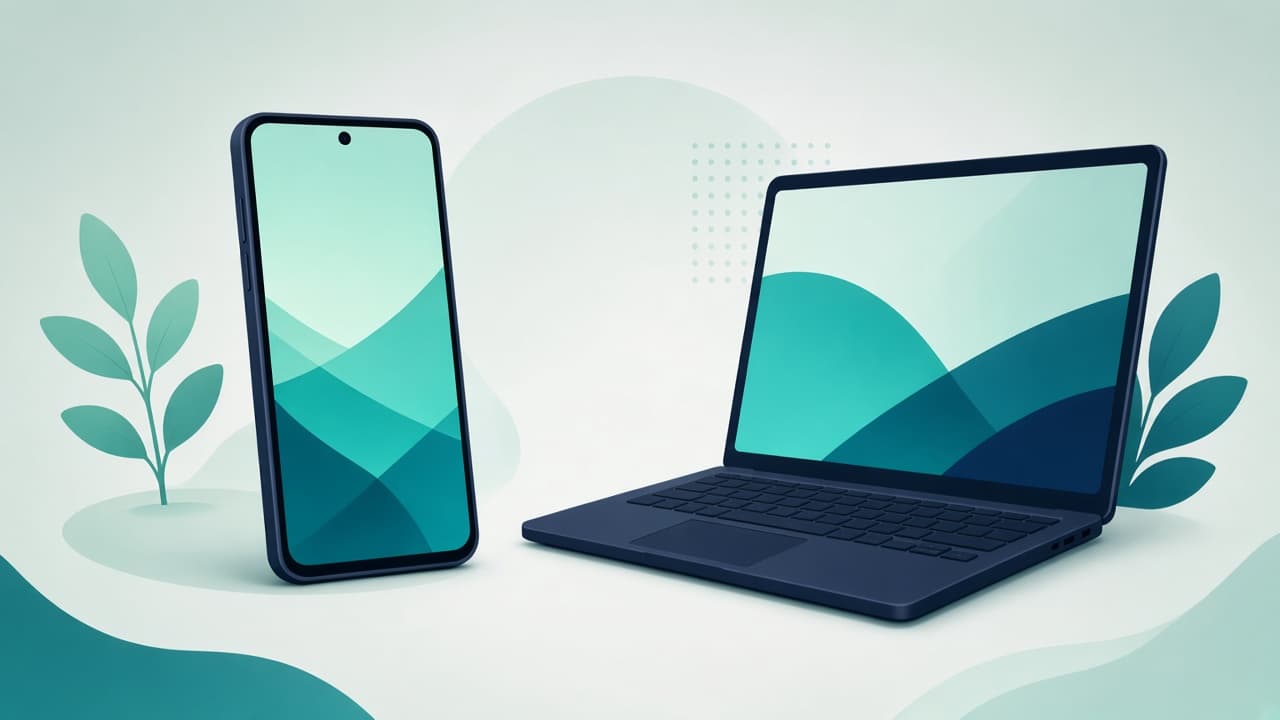
- Android-first devices: Google Pixel 9 Pro XL for phone UI and Samsung Galaxy Book 2 for laptop UI
- Lighting and camera controls so the shot feels like a product photo, not a pasted bezel
- Free high-quality PNG export for the core flow
- Processing that stays on your machine—useful when the build is still under NDA
Where it fits
Use Mewix when the deliverable is a still device photo for a landing page, social launch tile, or portfolio hero, and the UI is Android-shaped. Drop the screenshot, tilt the camera, soft-light the scene, export.
Honest limits
Mewix does not replace Rotato’s Mac animation pipeline. Device coverage is Android-first, not a full Apple showroom. Exports are still images, not mockup videos. There is no sprawling lifestyle-scene marketplace. If you need a spinning iPhone trailer or fifty lifestyle templates, pick a specialist below and keep Mewix for private Android stills.
#2 — Rotato (best Mac animation studio)
Rotato sits second because when the brief is motion, it still wins for many design teams. It is a Mac desktop app built around lit devices, camera moves, and video export. If the launch plan needs a short hero clip or a carefully lit Apple-device sequence, Rotato is usually the right tool—not a browser PNG editor.
Strengths
- Strong animation and video on macOS
- Studio-grade lighting and camera control
- Local files on your machine (no “upload to render” step for the core app)
Trade-offs
- Not free as a long-term product; budget a license after any trial
- Mac-only install friction
- Catalog and culture lean Apple-heavy—fine for many consumer apps, less ideal if you only ship Android screenshots
When to pick Rotato
Pick Rotato when the mockup is a video. Keep a browser still tool for quick Android PNGs that do not justify opening a desktop studio.
#3 — Mocku (best scene and template breadth)
Mocku ranks third for teams that shop by scene variety. Large libraries of device presentations, lifestyle backgrounds, and template packs are the pitch. If your marketing lead wants “phone on marble desk” and “tablet on neon wall” without building a custom 3D scene, Mocku-style catalogs save time.
Strengths
- Broad device and scene library
- Browser / web access without a Mac requirement
- Template volume that helps non-3D designers ship faster
Trade-offs
- Free tiers often limit exports; plan for paid output at volume
- Privacy and upload behavior depend on the product’s web workflow—read the terms before dropping unreleased UI
- You are choosing from scenes more than building a minimal product-shot camera
When to pick Mocku
Pick Mocku when template breadth matters more than a private, install-free Android still. If you only need one clean Product-shot PNG of a Pixel UI, a focused editor is usually faster.
#4 — Canva (best full design board with a phone inside)
Canva is not a dedicated WebGL device studio. It ranks fourth here because many people still search “free phone mockup” and land in Canva’s template world—and for designed pages, that is often the correct destination.
Strengths
- Full design suite: copy, brand kit, collaboration, social sizes
- Free phone / device templates within Canva’s free limits
- Easy to finish a carousel or deck around the screenshot
Trade-offs
- Look is usually flat or lightly dimensional templates, not a lit 3D product camera
- Design files live in Canva’s product—fine for public marketing, less ideal for secret builds if your policy forbids third-party design clouds
- Overkill when you only need a transparent device PNG for a developer landing page
When to pick Canva
Pick Canva when the mockup is one element among headlines, logos, and layout. A common hybrid: export a 3D still from the Mewix editor, then drop that PNG into Canva for typography and brand polish.
#5 — Smartmockups (best marketplace-style device library)
Smartmockups closes the list as a widely known browser mockup marketplace: large device catalogs, scene templates, and freemium export paths. Placeit-class tools live in the same bucket—template speed versus dedicated 3D control and privacy defaults.
Strengths: wide device library, browser access, familiar freemium pattern for marketing teams.
Trade-offs: free tiers often cap resolution or watermark exports; screenshots typically upload for rendering; you pick a scene more than you orbit the light.
When to pick Smartmockups: lifestyle scene needed fast and upload is acceptable. Skip it for NDA screenshots or free HQ Android PNGs without an export quota.
Decision guide: when to pick each
| Brief | Prefer |
|---|---|
| Free Android 3D still, private screenshot, no install | Mewix |
| Animated device trailer on a Mac | Rotato |
| Dozens of lifestyle scenes and templates | Mocku |
| Social carousel / deck with brand kit around the phone | Canva |
| Marketplace scene + device library, upload OK | Smartmockups |
| Play Store listing clarity (axis-aligned UI) | Flat frames, not dramatic 3D |
Practical workflow with Mewix
- Open the mockups overview or jump to the 3D mockup editor.
- Choose Pixel 9 Pro XL for phone UI or Galaxy Book 2 for laptop UI.
- Drop a sharp PNG or JPG screenshot onto the screen.
- Adjust camera and lighting until the shot feels like hardware photography.
- Export a free HQ PNG. Keep the backdrop as a solid color for social posts, or set backdrop to None when you need transparency for a branded landing page.
Tips: start from a high-resolution screenshot, prefer soft side light over harsh frontal light, leave negative space for colorful page backgrounds, and keep flat frames for store listing grids where every UI pixel must stay readable.
Honest limits across the board
No tool on this list is perfect for every brief. Rotato will not run in a Chromebook tab. Mewix will not output a cinematic iPhone orbit. Mocku and Smartmockups will not automatically keep every screenshot offline. Canva will not give you the same depth control as a WebGL product camera.
“Free” also means different things: desktop studios trial then charge, marketplaces cap exports, design suites bundle frames inside a larger plan. Judge tools by the export you can actually ship. Google Play does not require 3D mockups—use 3D for marketing drama and flat frames when the job is “show the UI.”
Bottom line
For a free, install-free, Android-first 3D still with local processing and an HQ PNG, start with Mewix. Move to Rotato when you need Mac animation. Choose Mocku or Smartmockups when template scenes matter more than privacy defaults. Use Canva when the phone is one piece of a designed page.
Open the free 3D mockup editor when you are ready to drop a screenshot onto a Pixel or Galaxy Book and export a product-shot PNG.