Online PDF tools compared: Mewix vs iLovePDF-style upload workflows
Privacy, merge/compress/JPG-to-PDF, and honest limits—when a full upload suite wins versus browser-only Mewix PDF tools.
September 11, 2026 · 2 min read

iLovePDF-class suites cover almost every PDF chore: merge, split, compress, convert from Office, sign, and more. Mewix focuses on browser-private helpers for the jobs people do most—merge PDF, compress PDF, and JPG to PDF—without uploading.
Criteria table
| Criteria | Mewix | iLovePDF-style suites |
|---|---|---|
| Processing | Local in browser | Upload to servers |
| Feature breadth | Core PDF utilities | Very wide suite |
| Office → PDF | Not offered | Often available |
| Merge / compress / JPG→PDF | Yes | Yes |
| Privacy | Strong default | Depends on trust + retention policy |
| Best for | Everyday private PDF tasks | Full suite + Office conversion |
Where big suites win
If you need Word/PowerPoint to PDF, OCR, e-sign workflows, or a long checklist of niche converters, an upload suite is built for that. Breadth is the product. Teams already using those brands will stay for habit and coverage.
Where Mewix wins
Mewix PDF tools keep files on your device:
- Merge PDFs — reorder and combine without upload
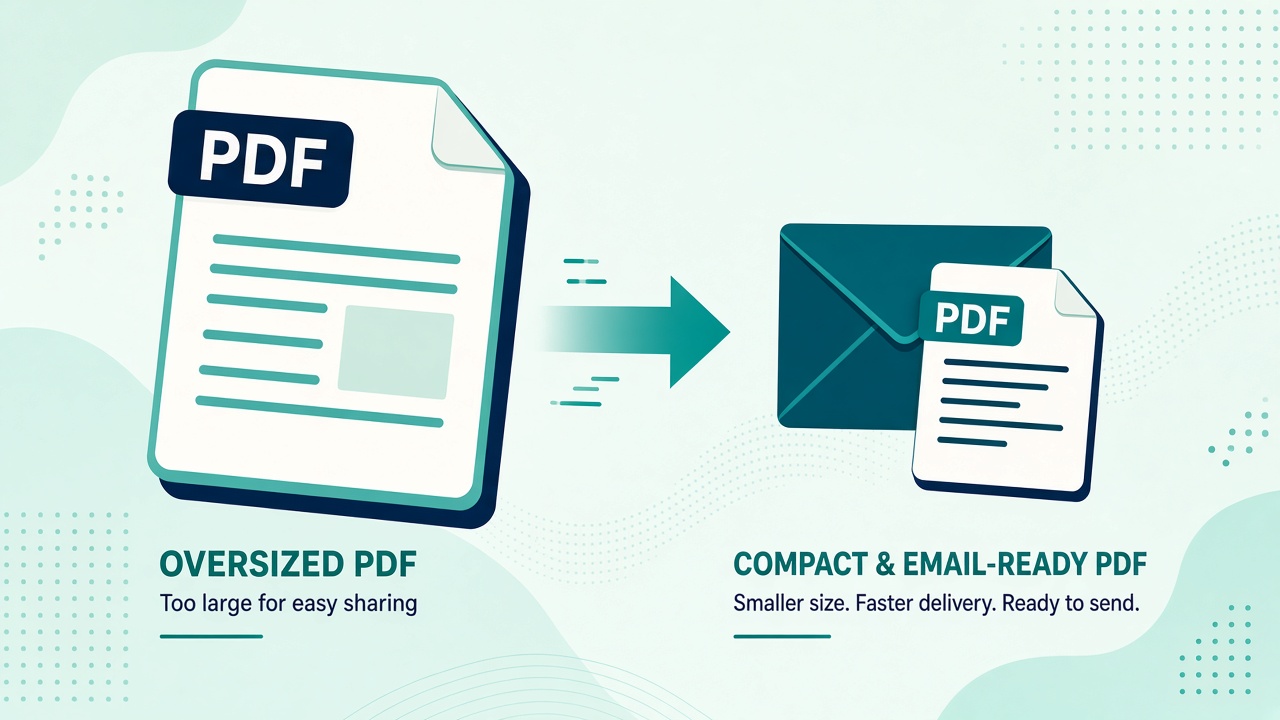
- Compress PDF — shrink for email or form limits
- JPG to PDF — turn photos into a single document
Start from the PDF hub when you are not sure which tool fits. The trade-off is honesty: no Office-to-PDF, no OCR, no “do everything” cloud desk. If you need those, use a suite—and use Mewix when privacy and speed matter for merge/compress/image-to-PDF.
Practical pick
| Job | Prefer |
|---|---|
| Merge scanned statements privately | Mewix |
| Compress attachment under 10 MB | Mewix |
| Convert DOCX with complex layout | Upload suite |
| Occasional JPG to PDF for a form | Either; Mewix if privacy matters |
Bottom line
Upload suites win on breadth. Mewix wins on private browser workflows for merge, compress, and image-to-PDF.
CTA: Browse PDF tools or jump to merge, compress, or JPG to PDF.