GuidePDF
Compress a PDF for email or upload limits
Shrink PDF file size in the browser for email caps and form upload limits—without uploading your document to a third party.
September 25, 2026 · 1 min read
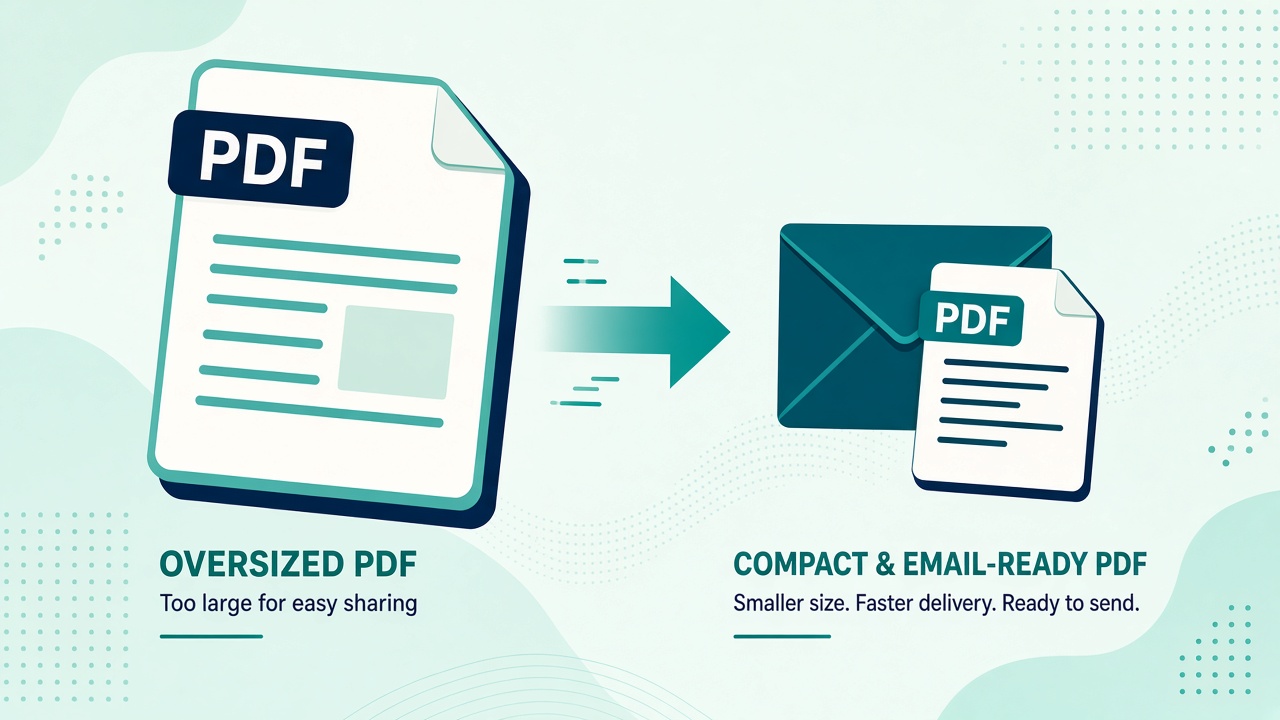
Email providers and government forms still enforce hard caps—often 10 MB or 25 MB. When a scan sits at 40 MB, you need to compress PDF without wrecking readability.
Steps
- Open Compress PDF.
- Drop the oversized file.
- Choose a compression level that still keeps text legible at 100% zoom.
- Download and check the new size before you attach.
Processing stays local—better for contracts and IDs than a public compress pdf online upload.
Tips that actually help
- Re-scan at 200–300 DPI instead of 600 DPI when you control the scanner
- Avoid nesting already-compressed PDFs repeatedly; diminishing returns kick in
- If images dominate the file, compress source images first via image compress, then rebuild with JPG to PDF
- After merging many files, compress the final output once
When compression is not enough
If the PDF is mostly vector text and still huge, the bloat may be embedded fonts or attachments—compression alone may not hit a tiny target. For those edge cases, professional desktop tools or re-export from the source app may be required. Mewix targets the common “scanned PDF too big for email” problem.