GuideImages
HEIC to JPG without installing software
Convert iPhone HEIC photos to JPG in your browser—no desktop app, no upload required for Mewix conversion.
September 22, 2026 · 1 min read
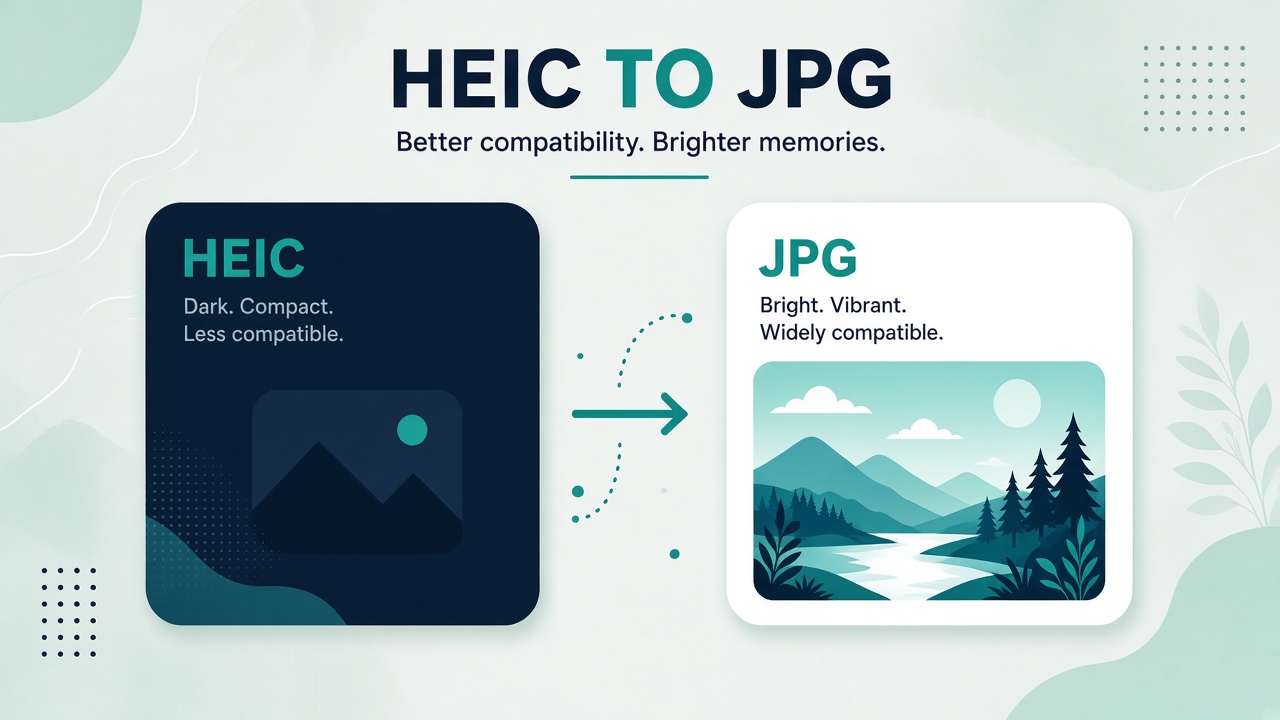
iPhones often save photos as HEIC. Many forms, CMSs, and Windows workflows still expect JPG. You do not need to install iCloud helpers or a desktop converter to fix that.
Steps
- Open HEIC to JPG.
- Drop one or more
.heic/.heiffiles. - Wait for the browser conversion to finish.
- Download the JPG(s).
Conversion runs on your device—useful when the photos are personal or client-sensitive.
When HEIC is fine vs when JPG is required
| Keep HEIC | Convert to JPG |
|---|---|
| Apple-only photo libraries | Upload forms that reject HEIC |
| Max quality archival on iPhone | Email to mixed OS recipients |
| Storage savings on device | WordPress / older CMSs |
After conversion
If the JPG is still large for the web, compress it. If you need a PDF of photos instead, use photo to PDF or JPG to PDF.