GuideColors
WCAG color contrast checker: pass AA/AAA
How to check foreground and background contrast for WCAG AA and AAA—and fix failing pairs with Mewix.
September 1, 2026 · 1 min read
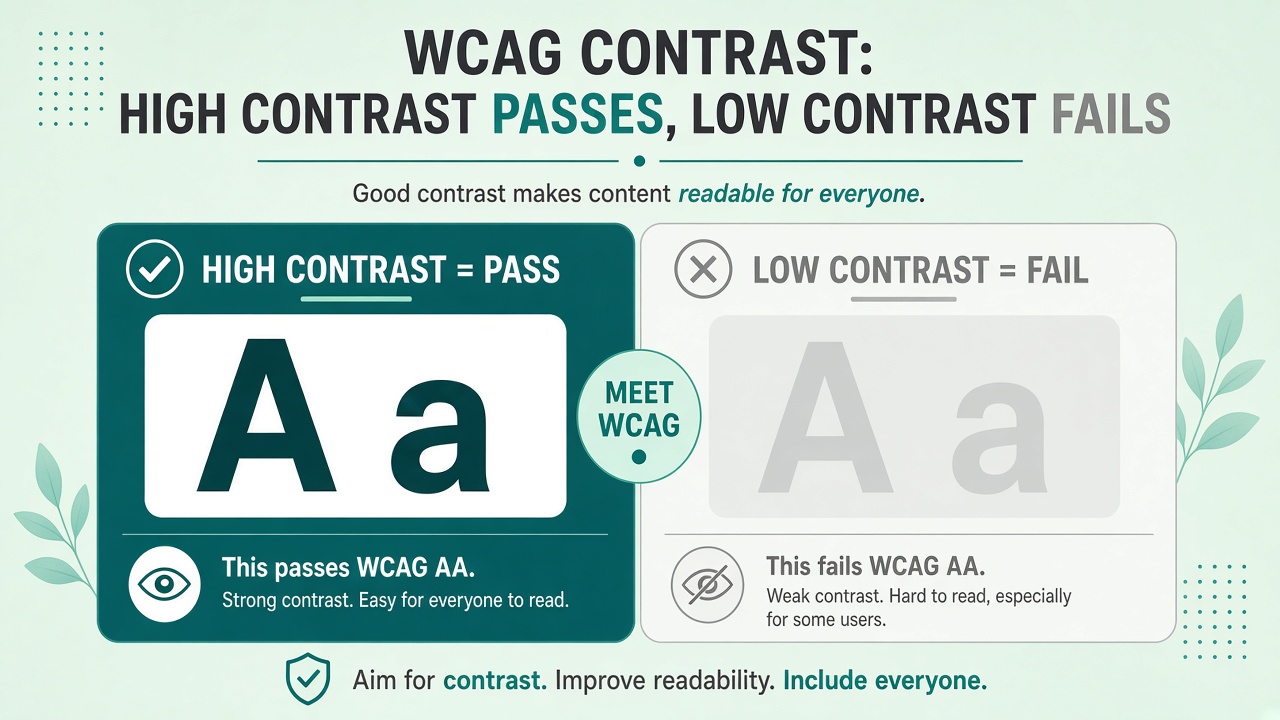
Accessible color is not optional for public sites. A contrast checker tells you whether text and UI components meet WCAG AA or AAA ratios before you ship.
Ratios that matter
| Level | Normal text | Large text |
|---|---|---|
| AA | 4.5:1 | 3:1 |
| AAA | 7:1 | 4.5:1 |
Large text is roughly 18pt+ regular or 14pt+ bold—confirm against the current WCAG definitions for your audit.
Steps in Mewix
- Open the color contrast checker.
- Set foreground (text) and background colors via picker or HEX.
- Read the computed ratio and AA/AAA pass/fail.
- Adjust until you clear the level your policy requires.
Pair with the color picker when you are exploring a new brand palette.
Fixing failures fast
- Darken text before lightening already-pale backgrounds
- Avoid gray-on-gray for body copy
- Icons and UI chrome often need the 3:1 non-text contrast guidance as well
- Do not rely on color alone for errors—add text or icons