Mewix vs Rotato vs Mocku: free 3D phone mockups compared
Compare free browser Android mockups on Mewix with Rotato and Mocku across install, devices, privacy, export limits, and animation.
September 16, 2026 · 3 min read
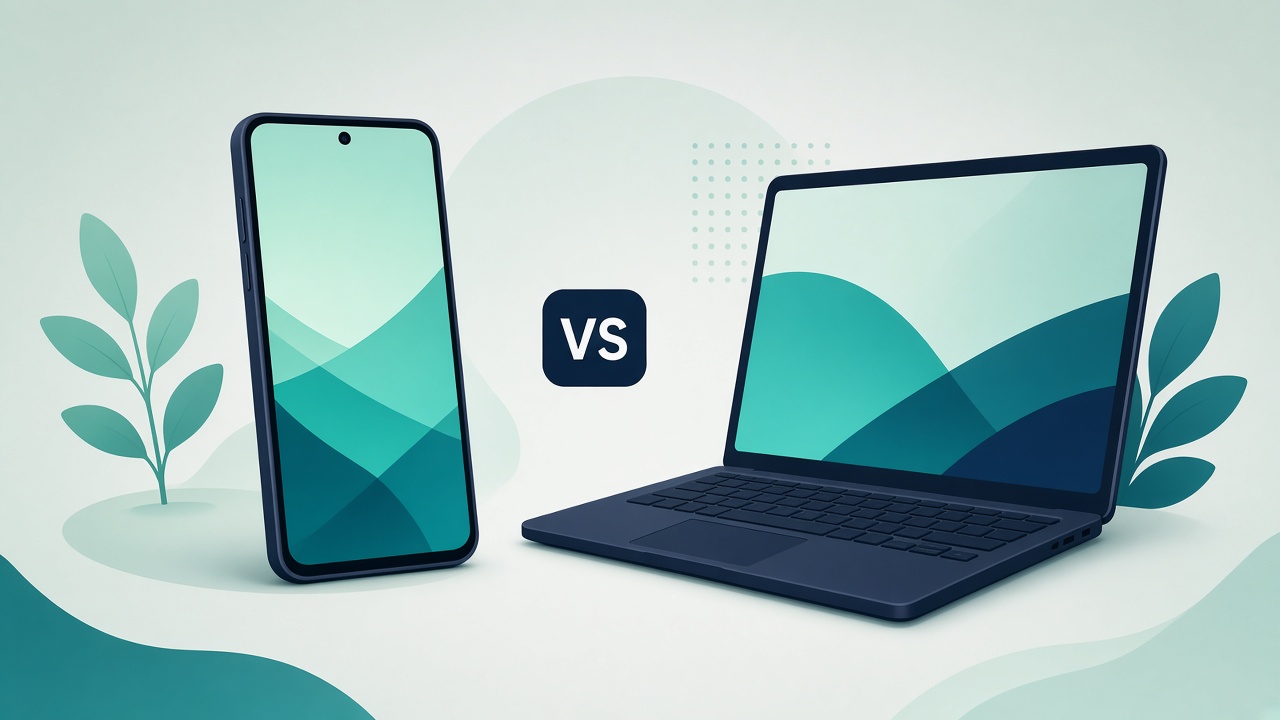
If you need a 3D phone mockup for an app landing page or social post, three names come up often: Rotato, Mocku, and Mewix. They solve similar jobs in very different ways. This comparison focuses on what people actually search for—a free mockup generator, Android device coverage, and whether you can keep screenshots private.
Quick criteria table
| Criteria | Mewix | Rotato | Mocku |
|---|---|---|---|
| Install | Browser only | Mac desktop app | Browser / web product |
| Device focus | Android-first (Pixel, Galaxy Book) | Strong Apple / Mac ecosystem | Broad device & scene library |
| Privacy | Screenshot stays on your device | Local Mac app (files on your machine) | Typical web workflow; check their upload/privacy terms |
| Free export | Free HQ PNG export | Paid product with trial/licensing | Free tier often limited; paid for full exports |
| Video / animation | Still PNG product shots | Strong animation and video export on Mac | Scene motion depends on plan |
| Best for | Free Android 3D mockups without install | Polished Mac animation & Apple-heavy catalogs | Large scene library and template variety |
Where Rotato wins
Rotato is built for designers who live on a Mac and want animated device shots—camera moves, lighting, and video exports that feel like a product studio. If your brief is a launch trailer or a spinning iPhone hero, Rotato is usually the better fit. It is not a free browser tool, and its catalog leans Apple-heavy.
Where Mocku wins
Mocku competes on scene variety and a large library of device presentations. If you need many lifestyle backgrounds or paid export options across lots of templates, Mocku’s catalog is the draw. Free tiers and export limits vary—budget for paid exports if you need unrestricted commercial output.
Where Mewix wins
Mewix mockups are aimed at people who want a free browser Android mockup without installing software:
- Open the 3D mockup editor in Chrome or another modern browser
- Drop a screenshot onto a real device model (Google Pixel 9 Pro XL or Samsung Galaxy Book 2)
- Adjust lighting and camera angle for a product-shot look
- Export a high-quality still PNG—no account wall for the core flow
- Processing stays in the browser, so screenshots are not uploaded for rendering
That combination—no install, Android-oriented devices, private screenshot handling, free PNG—is the reason Mewix exists beside heavier tools.
Honest limits
Mewix does not match Rotato’s Mac animation/video pipeline. Device coverage is Android-first, not a full Apple storefront catalog. There is no massive lifestyle-scene marketplace like some Mocku templates. If you need those, use the specialist tool—and use Mewix when a clean, private, free 3D still is enough.
Bottom line
Pick Rotato for Mac animation and Apple-centric video. Pick Mocku for scene breadth and template volume. Pick Mewix when you want a free device mockup generator that runs in the browser, favors Android phones/laptops, and keeps your screenshot on your machine.
Try it: Open the free 3D mockup editor or start from the mockups overview.