GuideImages
JPG vs WebP vs AVIF for websites
When to use JPG, WebP, or AVIF for web images—and how to convert between them in the browser with Mewix.
September 5, 2026 · 1 min read
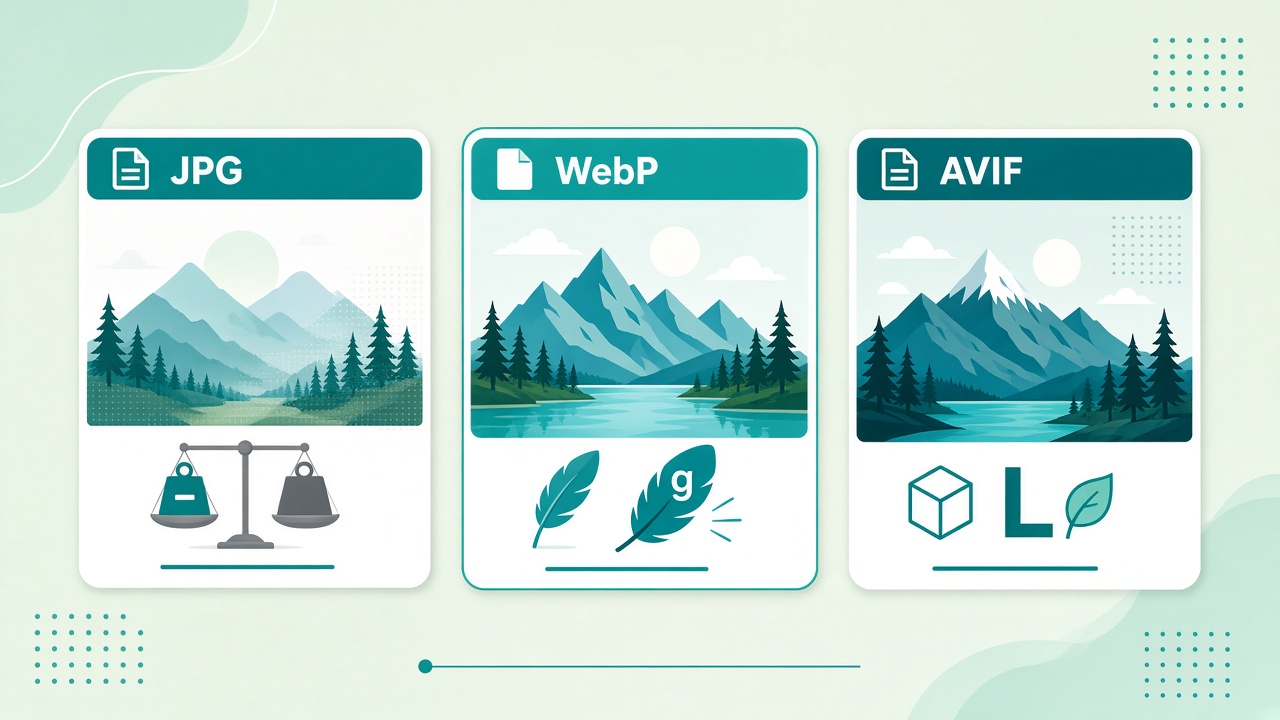
Choosing a format is half the image-SEO battle. The other half is converting cleanly. Here is a practical JPG vs WebP vs AVIF cheat sheet for websites.
Quick comparison
| Format | Strengths | Watch-outs |
|---|---|---|
| JPG | Universal support, photos | No alpha; artifacts at low quality |
| WebP | Smaller than JPG at similar quality; alpha | Older browsers rare now but still check audience |
| AVIF | Excellent compression | Encode slower; support is strong but not absolute everywhere |
Rules of thumb
- Photos on a modern site: WebP or AVIF primary, JPG fallback if you still need one.
- Screenshots with sharp UI text: PNG or lossless WebP; avoid crushing JPG quality.
- Email / legacy CMS: JPG remains the safest default.
- Transparency: PNG or WebP/AVIF with alpha—not JPG.
Convert in the browser
Mewix conversion pairs run locally:
- JPG to WebP
- PNG to WebP
- WebP to JPG when a partner needs classic JPG
- JPG to AVIF for maximum compression experiments
After converting, run the file through image compress if you still need a smaller payload.
Serving tip
Use <picture> or your CDN’s automatic format negotiation so supporting browsers get AVIF/WebP while others get JPG. Format choice without delivery logic leaves weight on the table.
CTA: Pick a pair from the image convert hub and convert without uploading.