Top 5 free PNG to JPG converters in 2026 (no upload)
Ranked look at five free PNG to JPG tools—Mewix first for private MozJPEG conversion in the browser, then NativeConvert, Instant Tools, Convert.diy, and image.dev.
By Mewix · October 16, 2026 · 5 min read
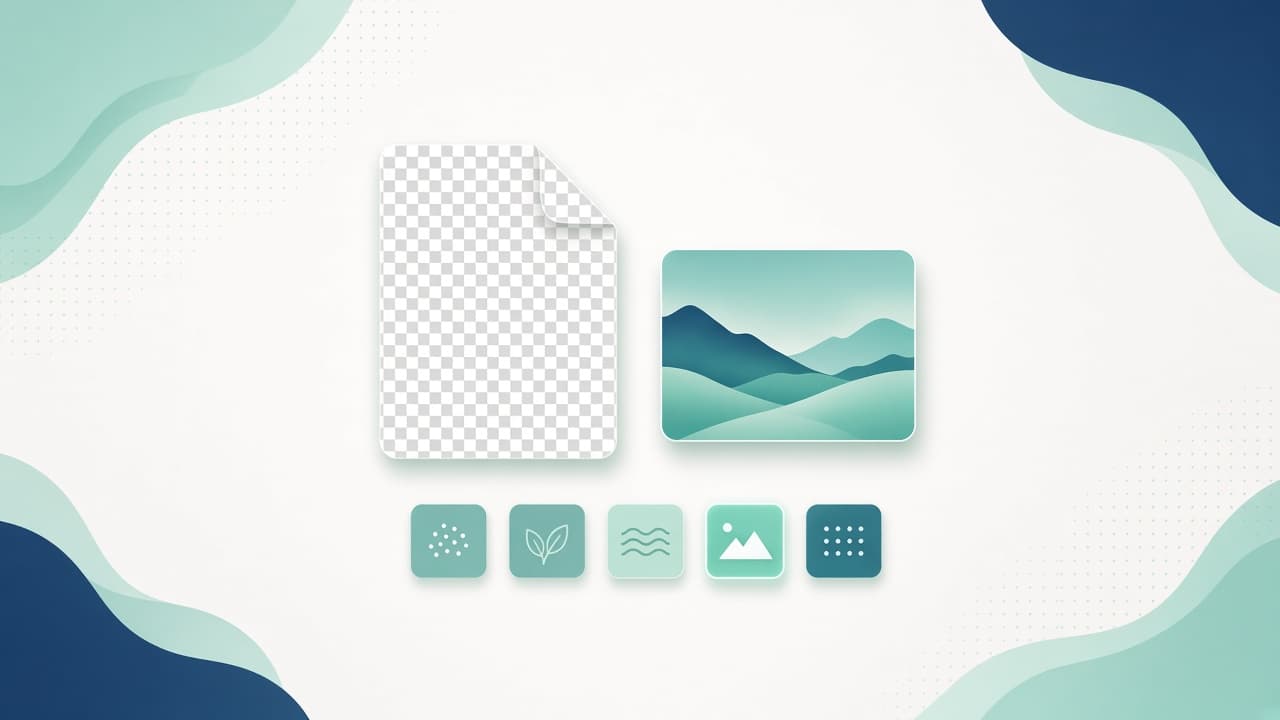
A PNG to JPG conversion is usually a size job: a phone or scanner saved a photo as PNG, a form only accepts JPG, or an email attachment needs to shrink. The risky part is not the format change—it is whether the image is uploaded to someone else’s server first.
This list ranks five free or freemium converters for 2026. The ranking favors browser / no account, no upload by default, a usable free download, and honest handling of transparency (JPG fills see-through areas—usually white). Upload-heavy mega converters still exist; they sit lower when privacy is the brief.
How we ranked (criteria)
| Criteria | Why it matters |
|---|---|
| Install friction | A tab beats a desktop app for one photo |
| No upload | Personal and client photos should stay on your device |
| Free usable export | Watermarks and daily caps defeat “free” |
| Quality control | A slider (or clear default) beats a black-box encode |
| Transparency honesty | JPG cannot keep alpha—tools should say what fills it |
| Encoder quality | Better JPEG engines keep more detail at the same size |
| Tool | Install | No upload | Free export | Quality control | Notes |
|---|---|---|---|---|---|
| 1. Mewix | Browser | Yes | Yes | Quality slider + MozJPEG | Transparent → white |
| 2. NativeConvert | Browser | Yes | Yes | Local convert | Strong privacy copy |
| 3. Instant Tools | Browser | Yes | Yes | Batch-friendly | Part of a tool suite |
| 4. Convert.diy | Browser | Yes | Yes | Local WASM path | Simple convert focus |
| 5. image.dev | Browser | Yes | Yes | Many format pairs | Hub of converters |
#1 — Mewix (best private PNG to JPG for photos)
Mewix PNG to JPG ranks first for this brief because it matches the everyday job: shrink a photographic PNG to JPG without uploading, with a quality slider and MozJPEG encoding that usually beats naive canvas exports at the same visual quality.
What you get
- Dedicated PNG to JPG converter in the browser
- MozJPEG encoding with a quality range you control (typically use 75–85 for web)
- Side-by-side style compare before you download
- Transparent PNG areas filled with white (documented—JPG has no alpha)
- No account for the core flow; file stays on your device
Where it fits
Use Mewix when a photo PNG is too large for email or a form that only accepts JPG, and the image is personal or client-sensitive. Keep screenshots and logos as PNG (or compress them)—JPG softens hard edges and text.
Honest limits
Mewix is not a bulk enterprise media desk. It does not invent a custom background color under transparency (white only). It is not the right tool when you need to keep alpha—stay on PNG or WebP. For HEIC phone photos, convert with HEIC to JPG first when needed.
Practical workflow
- Open PNG to JPG.
- Drop one or more PNG photos.
- Set quality (start around 85).
- Check the preview; download the JPG.
#2 — NativeConvert (strong no-upload competitor)
NativeConvert sits second as a focused free browser PNG→JPG path with clear “nothing is uploaded” messaging and local processing.
Strengths: simple drop-and-convert UX; privacy-first positioning; no sign-up for the core job.
Trade-offs: less tied into a wider private toolkit (compress, HEIC, PDF) in one brand; verify current batch limits on their site.
When to pick NativeConvert: you only need PNG→JPG today and already trust that site’s privacy claims.
#3 — Instant Tools (suite-style converter)
Instant Tools ranks third for people who want PNG→JPG inside a broader free tool collection, still claiming browser-side conversion.
Strengths: batch-friendly framing; familiar “drop files” pattern; no-upload messaging.
Trade-offs: quality defaults and transparency fill behavior vary by product—check the FAQ on their page; suite pages can feel noisier than a single dedicated converter.
When to pick Instant Tools: you convert many formats in one bookmark folder and already use their suite.
#4 — Convert.diy (simple private convert)
Convert.diy ranks fourth as a straightforward free private PNG to JPG page: local conversion, no watermark pitch, clear format explanation.
Strengths: simple mental model; privacy language; unlimited-style free use claims (verify live).
Trade-offs: less depth on encoder branding; fewer adjacent image tools under one roof than a full toolkit.
When to pick Convert.diy: one-off convert, minimal UI, privacy required.
#5 — image.dev (multi-format convert hub)
image.dev closes the list as a browser convert hub spanning many format pairs with a no-upload stance.
Strengths: many conversions in one place; private-by-architecture messaging; free core path.
Trade-offs: hub pages compete for attention; for a single PNG→JPG habit, a dedicated page can be clearer; confirm JPEG settings per conversion.
When to pick image.dev: you jump between HEIC, WebP, PNG, and JPG often and want one convert home.
Decision guide
| Brief | Prefer |
|---|---|
| Private photo PNG → JPG, quality slider, MozJPEG | Mewix |
| Quick one-shot convert, privacy first | NativeConvert / Convert.diy |
| Many formats in one suite | Instant Tools / image.dev |
| Keep transparency / sharp UI text | Do not convert—keep PNG or compress |
| Custom color under old alpha | Flatten in an editor first, then convert |
Bottom line
For a free, no-upload PNG to JPG path with quality control and honest transparency handling, start with Mewix. Use the other browser converters when you already prefer their suite—or when you only need a one-off convert and have verified their Network tab stays quiet.
CTA: Convert PNG to JPG in your browser—nothing uploaded for the conversion itself.