GuideImages
Favicon generator from an image
Turn a logo or square image into website favicon sizes in the browser—free favicon generator without uploading brand assets to a random SaaS.
September 27, 2026 · 1 min read
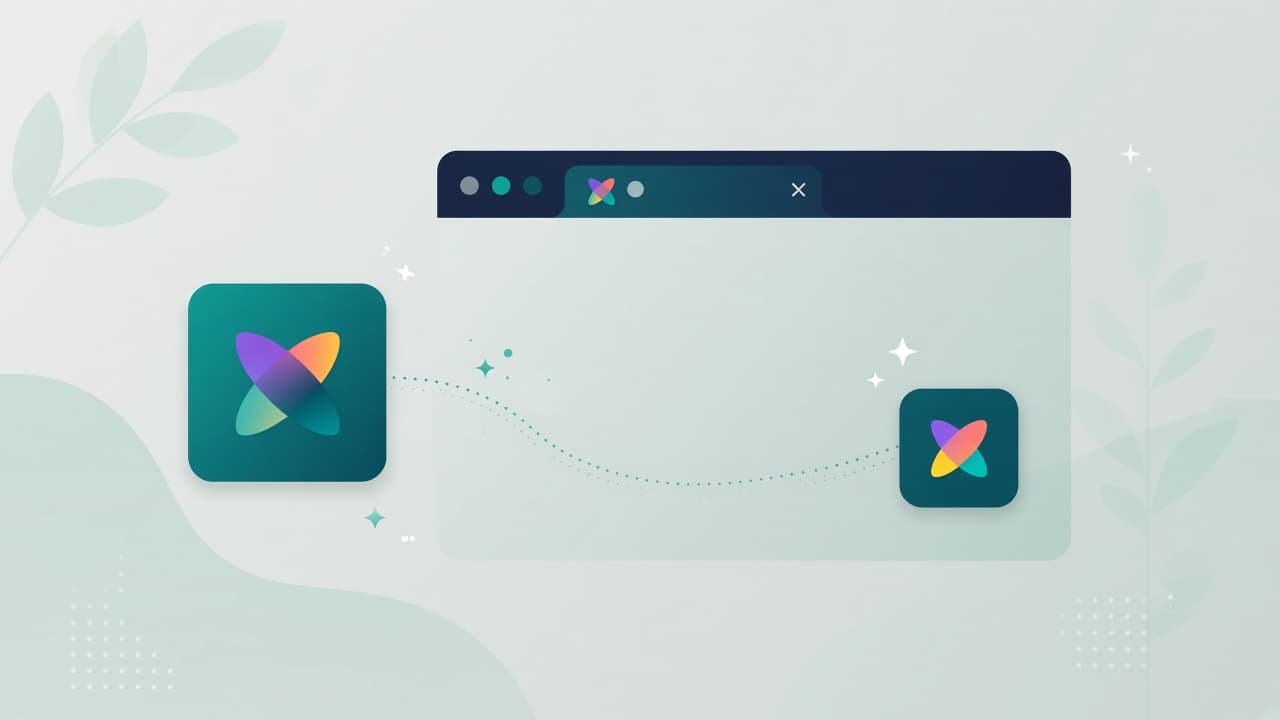
A favicon generator takes a logo or square mark and exports the small icons browsers show in tabs and bookmarks. Doing it in the browser keeps brand files off upload-only generators when you do not need that workflow.
Steps
- Open the favicon generator.
- Upload a clear square master (PNG/SVG source when you have it).
- Generate the favicon set / download the sizes you need.
- Place files in your site’s public root or asset folder and link them from HTML/
metadata. - Hard-refresh or clear cache when testing—browsers cache favicons aggressively.
Need mobile home-screen icons too? See app icon or image to icon. Resize a master first with image resize if the source is huge.
Design tips that scan at 16×16
- Prefer a simple mark over fine text
- High contrast against both light and dark browser chrome
- Leave a little padding so the icon does not clip
- Test on a real tab, not only the preview
Tips
- Keep a vector or high-res master in source control
- Update
apple-touch-iconseparately if your stack expects it - After deploy, verify with an incognito window
Limits
Mewix helps you create favicon assets from an image. It does not deploy to your host or edit DNS. Wire the files into your Next.js/link tags (or equivalent) yourself.