GuideText
Text compare / diff online
Compare two texts side by side with a free online text diff—spot additions and deletions without uploading confidential drafts.
September 30, 2026 · 1 min read
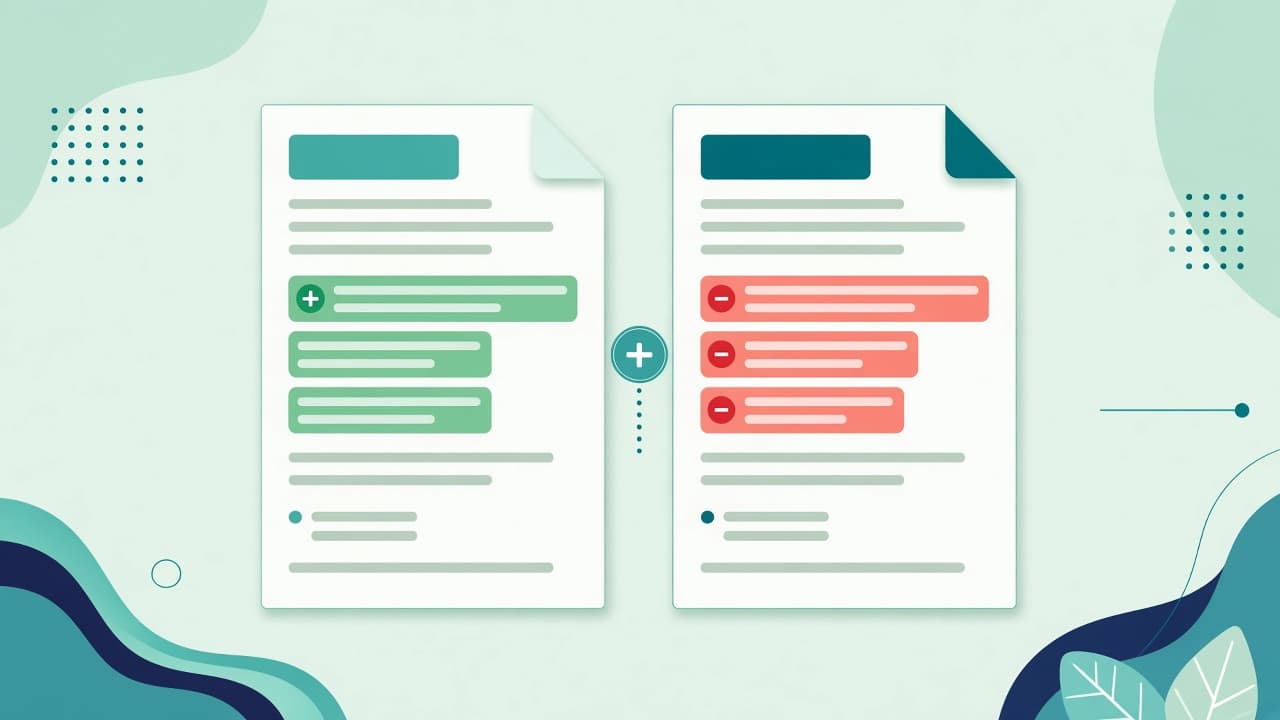
Text compare (a text diff) highlights what changed between two versions—contracts, policies, blog drafts, or config snippets. Doing it in the browser keeps drafts off upload-based “compare online” sites.
Steps
- Open Text diff / compare.
- Paste the original text in one pane.
- Paste the revised text in the other.
- Scan additions and deletions in the diff view.
- Use find and replace if you need bulk cleanup after review.
Good use cases
- Lawyer or vendor redlines when you only have plain text
- Checking CMS edits before publish
- Comparing API error messages or log snippets
- Teaching: show students what changed between drafts
Tips
- Normalize line endings and extra spaces if noise floods the diff
- Diff short, focused sections when a whole book creates too much noise
- Run a word count on each version if length change matters for SEO or briefs
Limits
This is a text diff, not a full Word/Google Docs track-changes importer and not a binary file comparison. Paste plain text (or copy as text) for best results.
CTA: Compare two texts online.